A 16-pin USB-C receptacle replacement needs a pin-by-pin and drawing-level review. The terminal count does not define the complete circuit, PCB footprint or attachment geometry. Two parts described with the same pin count may still require different electrical or mechanical arrangements.
USB-IF describes USB-C as an interface with reversible plug orientation in its connector overview. That reversibility must work in the finished circuit. It should be verified rather than inferred from a matching shell shape or a supplier's abbreviated title.
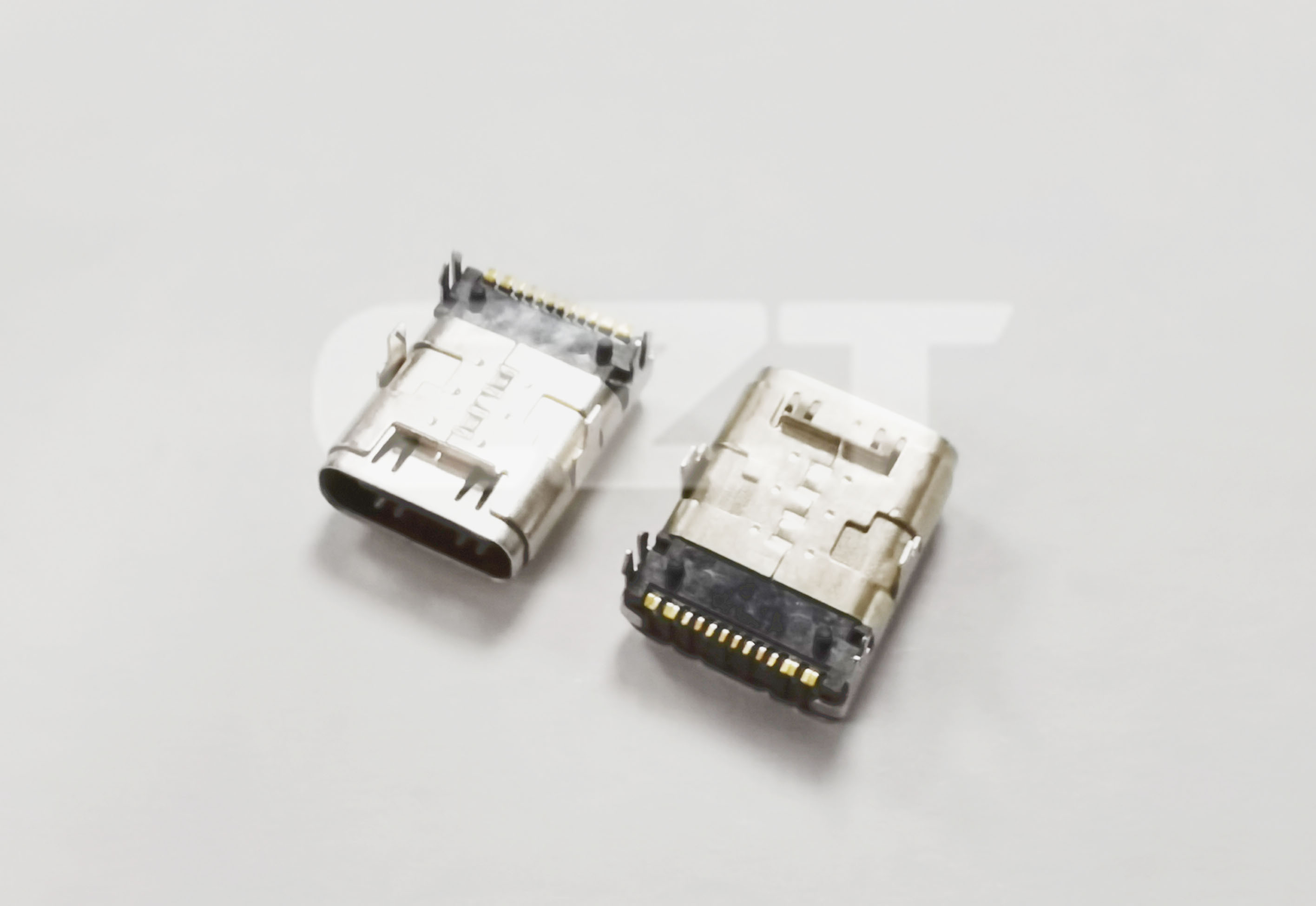
Figure 1. CZT 10317016B001 receptacle example illustrates one construction to identify before evaluating a same-pin-count replacement proposal. CZT source · Original image.
Start with the circuit requirements
List the functions the equipment actually implements, including its power role and data requirements. Mark every connector terminal on the schematic using the candidate's own pin numbering and viewing direction.
Compare the old and new parts by electrical function, not by left-to-right position on a photograph. Determine whether the drawing shows the mating face, board side or another view. A mirrored interpretation can create an apparently tidy footprint with the wrong connections.
Use the USB-C family page to locate candidate records, then request the controlled pin definition for the exact model. Do not derive supported functions from a model code.
Overlay the mechanical drawings
Place both candidates on the same PCB datum. Compare signal lands, shell anchors, locating features, board standoff and forward projection. Include maximum dimensions and tolerances rather than tracing nominal outlines.
| Comparison line | Required conclusion |
|---|---|
| Electrical terminal mapping | Every intended net is accounted for |
| Solder tails and shell anchors | Existing lands and holes are suitable or changed |
| Mating mouth position | Enclosure engagement is maintained |
| Assembly conditions | Production process remains approved or is revalidated |
Record each difference explicitly. A difference marked acceptable should cite the engineering reason and any supporting test, so another reviewer can distinguish acceptance from an overlooked item.
Evaluate both orientations on samples
Build production-intent samples with the proposed part. Use identified cables and sources to check every supported operating mode in each orientation. Log negotiation, connection behavior and any relevant communication result separately.
A hypothetical data logger might power normally in either orientation while communicating only in one. That result requires investigation of the signal and configuration connections; it is not sufficient to approve the part for power-only operation if the product specification requires data.
Check mechanical engagement and the affected thermal or handling conditions as well. A successful connection at the bench does not resolve a changed shell attachment.
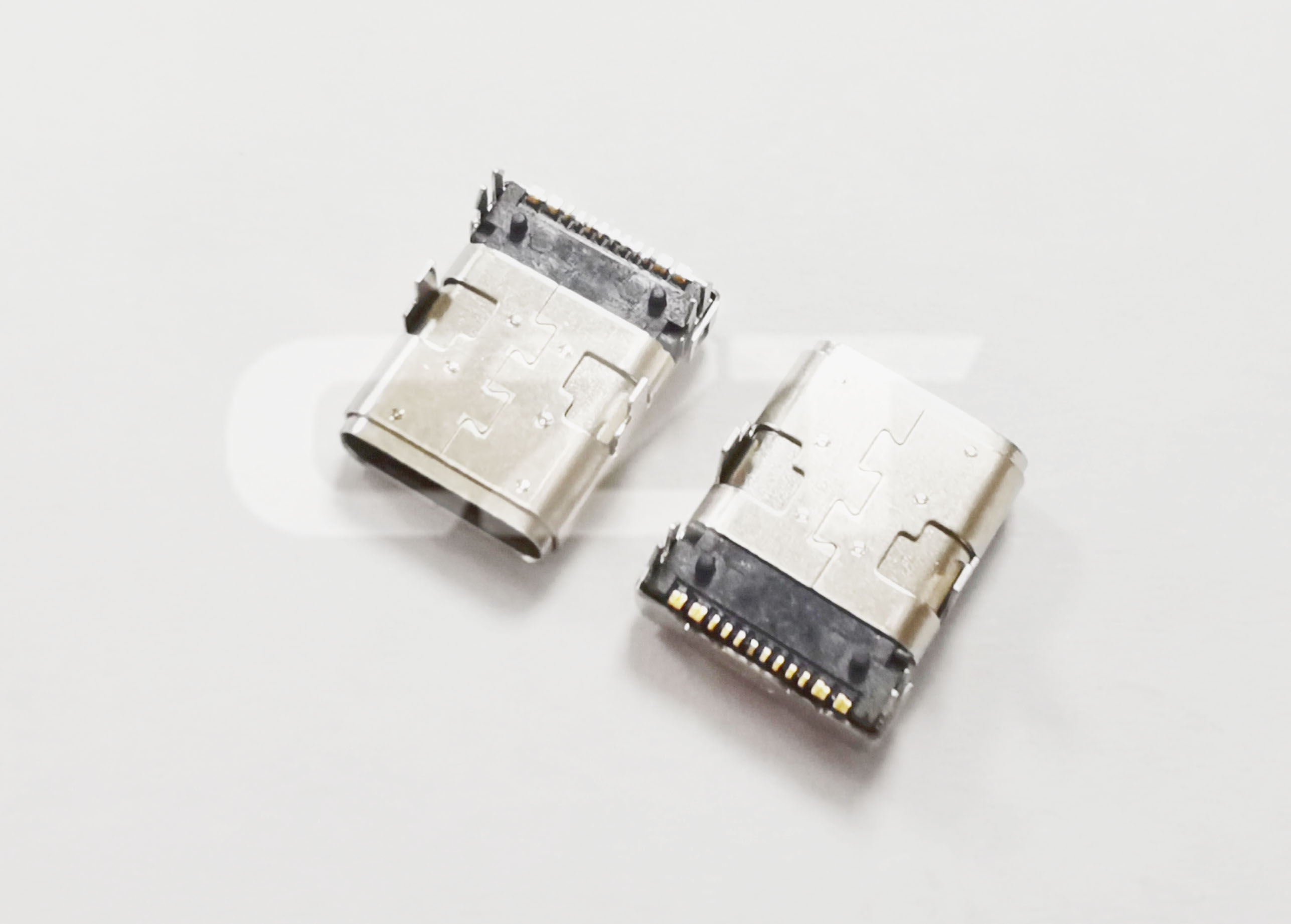
Figure 2. CZT 10317016C001 receptacle example shows a distinct catalog construction; compare controlled drawings rather than approving replacement from appearance or pin count. CZT source · Original image.
Release the approved alternative precisely
Identify the replacement by full orderable code, drawing revision and any required PCB or process change. State which tests were performed and which operating combinations remain outside the review.
If purchasing needs interchangeable stock under one internal number, engineering must define the conditions that make that arrangement valid. Until that review is complete, keep candidate parts separately identified. Matching terminal counts are a search filter, not an approved substitution rule.
Connect this review to CZT product information
Start with the relevant CZT product family and provide the original interface reference or controlled drawing. Ask which configurations and supporting documents are available for the task described here. Confirm the mating arrangement, required features and project conditions before choosing an orderable part.
Browse the relevant product family · View catalog resources
Discuss a drawing, sample or quotation
Share the part or family reference, current drawing revision, operating conditions and quantities. Include the specific checks described in this article so the inquiry identifies both the component and the evidence needed for your decision. Confirm sample availability and the proposed scope with the supplier.
Request a technical review or quotation
For broader context, read the related selection guide.