Quick Answer
| Category | Max Speed | Bandwidth | Max Distance (at full speed) | Best For |
|---|---|---|---|---|
| Cat5e | 1 Gbps | 100 MHz | 100 m | Home, small office |
| Cat6 | 10 Gbps | 250 MHz | 55 m (10G) / 100 m (1G) | Office, mid-size networks |
| Cat6a | 10 Gbps | 500 MHz | 100 m | Data centers, hospitals, new builds |
For new commercial installations, Cat6a is the best long-term value — it future-proofs to 10 Gbps at full distance and handles 90W PoE without overheating. All three categories use the same RJ45 connector interface but require category-matched plugs, jacks, and patch panels.
Need bulk Ethernet connectors? Browse CZT RJ45 connectors — Cat5e, Cat6, and Cat6a rated, with shielded and PoE options. Request a quote →
Ethernet cables all look the same from the outside. They share the same RJ45 connector on each end, the same general jacket shape, and often the same blue color. Yet the performance differences between Cat5e, Cat6, and Cat6a are enormous — and choosing the wrong category can bottleneck an entire network.
Whether you are wiring a home office, upgrading a commercial building, or specifying structured cabling for a data center, the cable category you select determines your maximum speed, bandwidth headroom, and future-proofing. This guide breaks down every specification that matters, compares all three categories in a single table, and helps you match the right cable to your application.
Understanding Ethernet Cable Categories
The Telecommunications Industry Association (TIA) and the Electronic Industries Alliance (EIA) define Ethernet cable categories through a series of standards. The most relevant today is TIA-568, which specifies minimum performance requirements for twisted-pair copper cabling used in commercial and residential networks.
Each "Cat" rating represents a set of electrical characteristics — bandwidth, crosstalk limits, return loss, and insertion loss — that the cable must meet or exceed. Higher category numbers indicate tighter tolerances and higher supported frequencies.
It is important to understand that the category applies to the entire channel, not just the cable. A Cat6 link requires Cat6-rated cable, Cat6-rated RJ45 connectors, Cat6-rated patch panels, and Cat6-rated jacks. A single lower-rated component downgrades the whole link.
How cable categories relate to network speed
Cable category defines the physical-layer bandwidth available. Network speed (1 Gbps, 10 Gbps) is determined by the protocol running over that bandwidth. A cable with more bandwidth supports faster protocols and leaves more margin for error correction.
| Standard | Year Ratified | Bandwidth | Typical Speed |
|---|---|---|---|
| Cat5e | 2001 | 100 MHz | 1 Gbps |
| Cat6 | 2002 | 250 MHz | 1–10 Gbps |
| Cat6a | 2008 | 500 MHz | 10 Gbps |
Understanding these fundamentals makes the rest of the comparison straightforward. Let's examine each category in detail.
Cat5e Explained
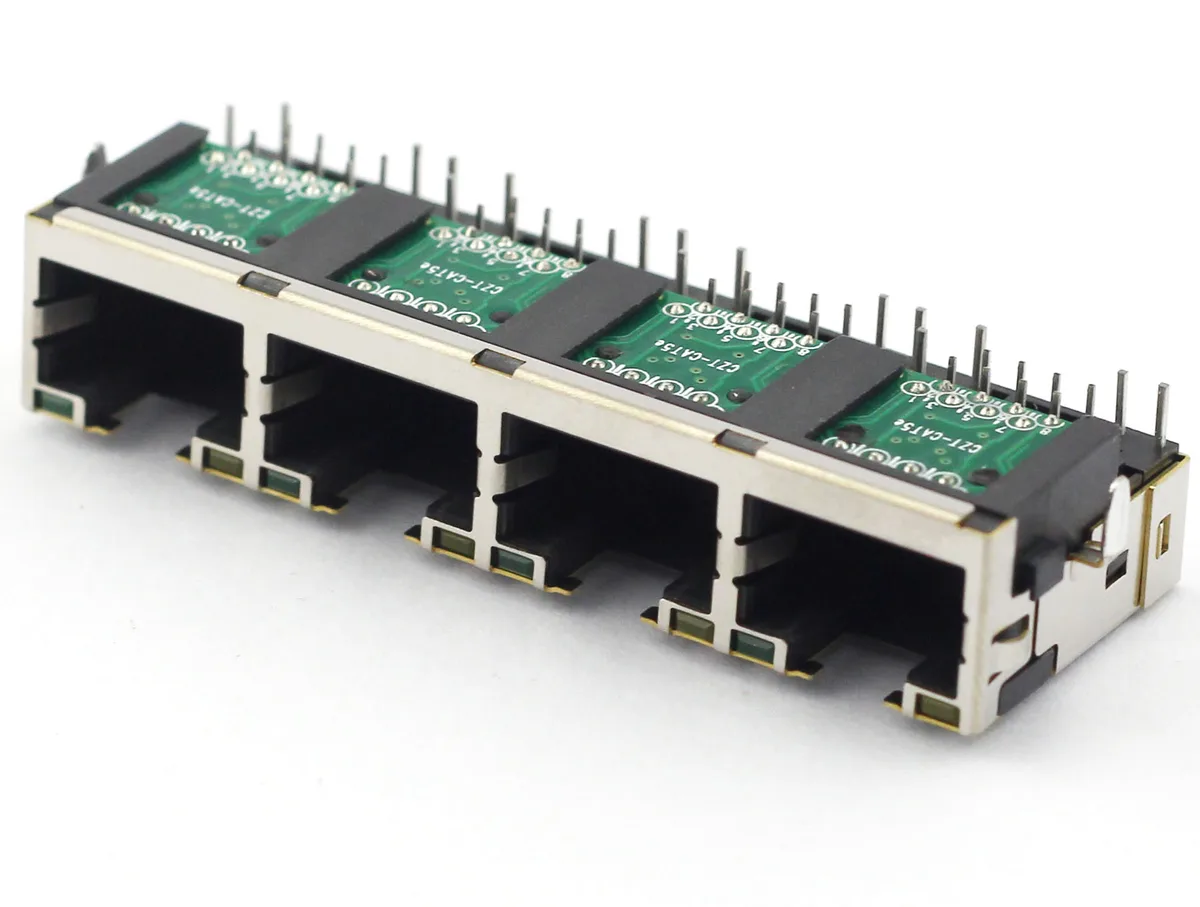
Cat5e (Category 5 enhanced) is the minimum cable category recommended for new installations today. It replaced the original Cat5 standard by adding stricter crosstalk specifications, which made reliable Gigabit Ethernet possible over all four pairs.
Key Cat5e specifications
- Bandwidth: 100 MHz
- Maximum data rate: 1 Gbps (1000BASE-T)
- Maximum channel length: 100 meters (328 feet)
- Crosstalk standard: Improved NEXT (Near-End Crosstalk) over Cat5
- Shielding: Typically UTP (Unshielded Twisted Pair)
- Conductor gauge: 24 AWG
Cat5e cable uses four twisted pairs of copper conductors. The twist rate varies between pairs to reduce electromagnetic interference. At 100 MHz of bandwidth, it provides just enough headroom for Gigabit Ethernet with minimal margin.
When to use Cat5e
Cat5e remains a practical choice for budget-conscious residential installations where Gigabit Ethernet meets current and near-term needs. It is also acceptable for short PoE (Power over Ethernet) runs powering devices like IP cameras and wireless access points at lower wattage levels.
However, Cat5e is increasingly considered a legacy choice. The cost difference between Cat5e and Cat6 has narrowed significantly, and most network professionals now recommend Cat6 as the baseline for new projects.
Cat6 Explained
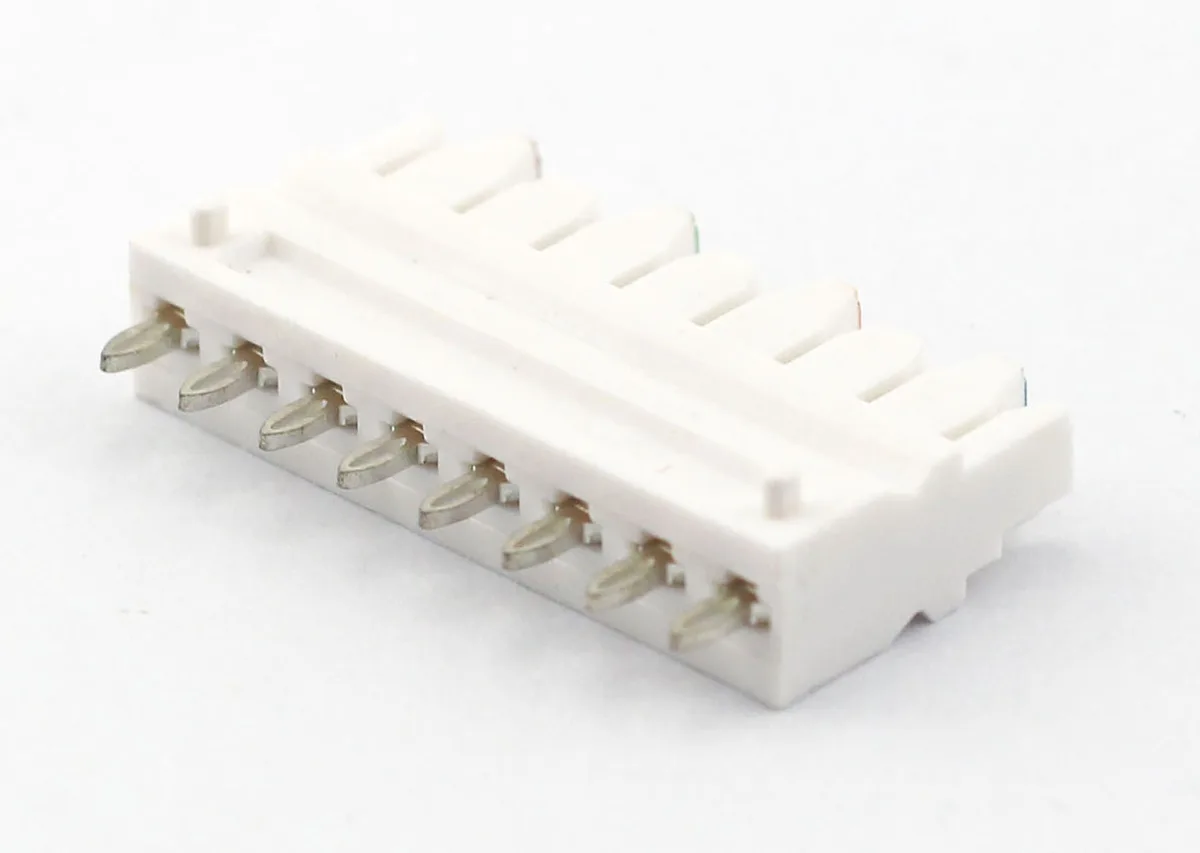
Cat6 (Category 6) doubles the bandwidth of Cat5e and introduces a physical separator — called a spline — between the four twisted pairs. This separator reduces crosstalk and alien crosstalk, enabling support for 10 Gigabit Ethernet over short distances.
Key Cat6 specifications
- Bandwidth: 250 MHz
- Maximum data rate: 1 Gbps at 100 m; 10 Gbps at 55 m (10GBASE-T)
- Maximum channel length: 100 meters for 1 Gbps; 55 meters for 10 Gbps
- Crosstalk standard: Tighter NEXT and added PS-NEXT (Power Sum NEXT)
- Shielding: UTP or F/UTP (Foiled)
- Conductor gauge: 23 AWG (typically)
The jump from 100 MHz to 250 MHz gives Cat6 substantially more headroom for error correction and signal integrity. This is why Cat6 can support 10GBASE-T — but only up to 55 meters, where the signal-to-noise ratio remains acceptable.
When to use Cat6
Cat6 is the sweet spot for most commercial and residential installations today. It handles Gigabit Ethernet with generous margin, supports 10 Gbps for shorter horizontal runs, and costs only marginally more than Cat5e.
For office buildings, retail spaces, and homes where cable runs stay under 55 meters, Cat6 delivers 10 Gbps capability at a reasonable price. It is also the most common cable paired with a cat6 RJ45 connector for pre-made patch cords.
If your longest run exceeds 55 meters and you need 10 Gbps end to end, Cat6 will not meet the requirement. That is where Cat6a comes in.
Cat6a Explained
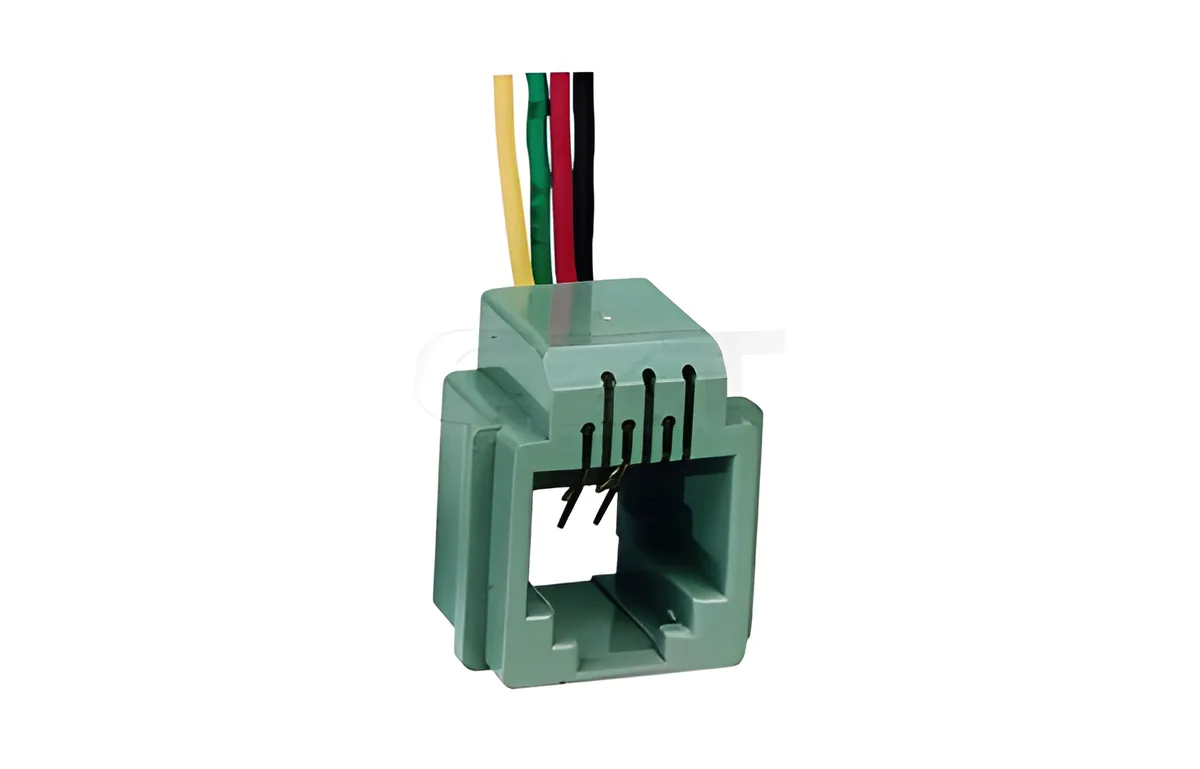
Cat6a (Category 6 augmented) was designed with one clear goal: deliver 10 Gbps over the full 100-meter channel. It achieves this by doubling Cat6's bandwidth to 500 MHz and adding stringent alien crosstalk (AXT) specifications that Cat6 does not address.
Key Cat6a specifications
- Bandwidth: 500 MHz
- Maximum data rate: 10 Gbps (10GBASE-T)
- Maximum channel length: 100 meters (328 feet) at 10 Gbps
- Crosstalk standard: Full alien crosstalk (AXT) testing required
- Shielding: F/UTP, U/FTP, or S/FTP common
- Conductor gauge: 23 AWG (heavier jacket)
Cat6a cables are noticeably thicker and stiffer than Cat6. The added shielding and tighter twist rates increase the outer diameter to approximately 8–9 mm, compared to 6–6.5 mm for Cat6. This affects conduit fill ratios and bend radius — important considerations during installation.
When to use Cat6a
Cat6a is the standard choice for enterprise networks, hospitals, data centers, and any environment where 10 Gbps must reach the full 100-meter distance. It is also the recommended cable for high-power PoE applications (IEEE 802.3bt, up to 90 W), because the shielding helps manage heat buildup in bundled cable runs.
New commercial construction projects increasingly specify Cat6a as the default. The upfront cost premium over Cat6 is offset by a longer useful life — a Cat6a installation can comfortably support network upgrades for 15–20 years.
Cat5e vs Cat6 vs Cat6a: Complete Comparison Table
The table below puts all three categories side by side so you can compare the specifications that matter most.
| Specification | Cat5e | Cat6 | Cat6a |
|---|---|---|---|
| TIA Standard | TIA-568-C.2 | TIA-568-C.2 | TIA-568-C.2 |
| Bandwidth | 100 MHz | 250 MHz | 500 MHz |
| Max Speed | 1 Gbps | 10 Gbps | 10 Gbps |
| Max Distance at Top Speed | 100 m (1G) | 55 m (10G) | 100 m (10G) |
| Max Distance at 1 Gbps | 100 m | 100 m | 100 m |
| Typical Shielding | UTP | UTP or F/UTP | F/UTP, U/FTP, or S/FTP |
| Conductor Gauge | 24 AWG | 23 AWG | 23 AWG |
| Outer Diameter | ~5.5 mm | ~6.0–6.5 mm | ~8.0–9.0 mm |
| Bend Radius | 4x OD | 4x OD | 4x OD |
| PoE Support | Yes (Type 1–2) | Yes (Type 1–3) | Yes (Type 1–4, up to 90 W) |
| Alien Crosstalk Tested | No | No | Yes |
| Relative Cable Cost | $ | $$ | $$$ |
| Best For | Home, basic office | Office, short 10G runs | Enterprise, data center |
A few takeaways from this table:
- Cat5e to Cat6 is a modest jump in cost for a significant jump in bandwidth and 10G capability (at shorter distances).
- Cat6 to Cat6a is a larger jump in cost and cable diameter, but it unlocks full-distance 10 Gbps and superior PoE thermal performance.
- All three categories use the same RJ45 connector interface, but the connector itself must be rated to match the cable category.
What About Cat7 and Cat8?
You may encounter Cat7 and Cat8 cables in product listings. Here is a brief overview of where they fit.
Cat7 (Class F) operates at 600 MHz and uses a fully shielded design with individually shielded pairs (S/FTP). It supports 10 Gbps at 100 meters. However, Cat7 was defined by the ISO/IEC standard rather than TIA, and it uses non-RJ45 connectors (GG45 or TERA) in its official specification. In practice, many "Cat7" cables sold with RJ45 ends are simply high-quality Cat6a cables. For this reason, most North American network engineers skip Cat7 and go directly to Cat6a.
Cat8 (Class I/II) operates at 2000 MHz and supports 25 Gbps or 40 Gbps over short distances (30 meters). It is designed for switch-to-switch connections inside data centers, not for general-purpose horizontal cabling. Cat8 uses shielded RJ45 connectors and is overkill for typical office or campus networks.
For the vast majority of installations, Cat5e, Cat6, or Cat6a covers every practical requirement. Cat8 is a niche product, and Cat7 occupies an awkward middle ground with limited adoption in the TIA ecosystem.
Choosing the Right Cable for Your Application
The best cable category depends on your environment, budget, and how long you want the installation to last. Here are recommendations for three common scenarios.
Home networks
Recommended: Cat6
Most homes have cable runs well under 55 meters. Cat6 gives you Gigabit Ethernet today with a clear upgrade path to 10 Gbps as consumer networking equipment catches up. The cost premium over Cat5e is minimal — often less than $0.05 per foot.
If you are on a very tight budget and only need Gigabit speeds, Cat5e still works. But given the labor cost of pulling cable through walls, spending a few extra dollars on Cat6 is a smart long-term investment.
Office and commercial buildings
Recommended: Cat6a
Modern offices run bandwidth-hungry applications: cloud computing, video conferencing, VoIP, large file transfers, and wireless access points that backhaul at multi-gigabit speeds. Cat6a handles all of this with room to spare.
The TIA recommends Cat6a for new commercial construction, and many building codes in major markets now require it. The thicker cable requires larger conduit, but the 15–20 year lifespan justifies the upfront cost.
Data centers and server rooms
Recommended: Cat6a (copper runs) or fiber optic for longer distances
Inside a data center, copper Ethernet connects servers to top-of-rack switches over short distances (typically 5–15 meters). Cat6a handles 10GBASE-T comfortably at these lengths. For longer backbone runs between racks or between rooms, fiber optic cabling is the standard choice.
Cat6a also excels in data center environments because its shielding reduces alien crosstalk in dense cable bundles — a critical factor when hundreds of cables run side by side in cable trays.
The Role of RJ45 Connectors in Cable Performance
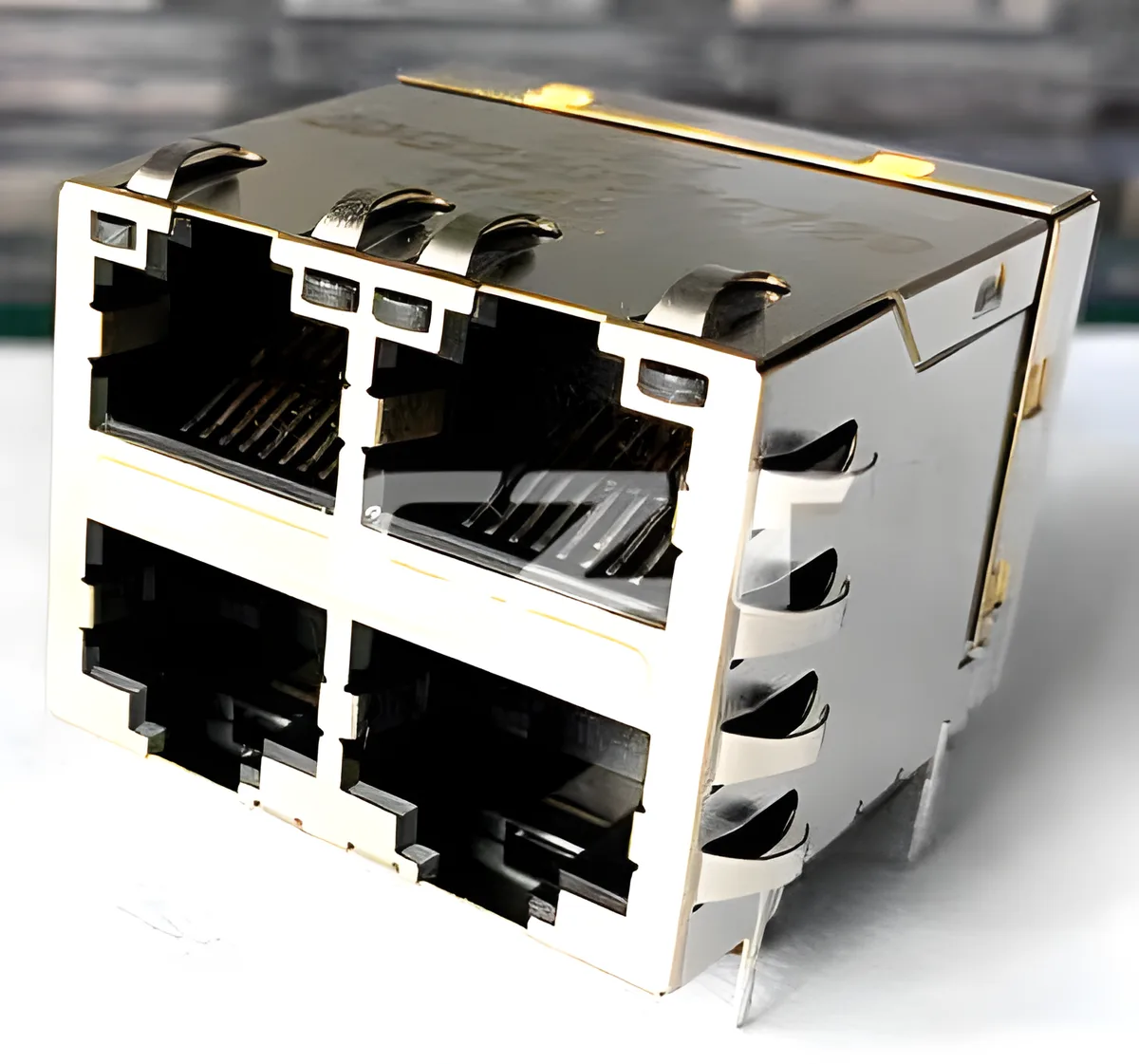
A cable is only as good as its termination. The RJ45 connector at each end of an Ethernet cable must match or exceed the cable's category rating. Terminating a Cat6a cable with a Cat5e-rated plug degrades the entire link to Cat5e performance.
Why connector quality matters
The RJ45 connector pinout determines how the eight conductors map to the eight contact pins. But beyond correct wiring, the physical construction of the connector affects signal integrity in several ways:
- Contact geometry: Higher-category connectors use tighter-tolerance gold-plated contacts that maintain consistent impedance across the frequency range.
- Conductor alignment: Cat6 and Cat6a plugs include internal wire guides or load bars that keep pairs separated and properly positioned, reducing crosstalk at the termination point.
- Housing material: Quality connectors use polycarbonate housings that resist cracking during insertion and removal cycles.
Shielded vs unshielded RJ45 connectors
If your cable is shielded (F/UTP, S/FTP), you need a shielded RJ45 connector to complete the shield path. The connector's metal housing contacts the cable's drain wire or foil shield, creating a continuous Faraday cage from end to end.
Using an unshielded connector on a shielded cable leaves the shield unterminated at the plug. This can actually make EMI performance worse than an unshielded system, because the floating shield acts as an antenna.
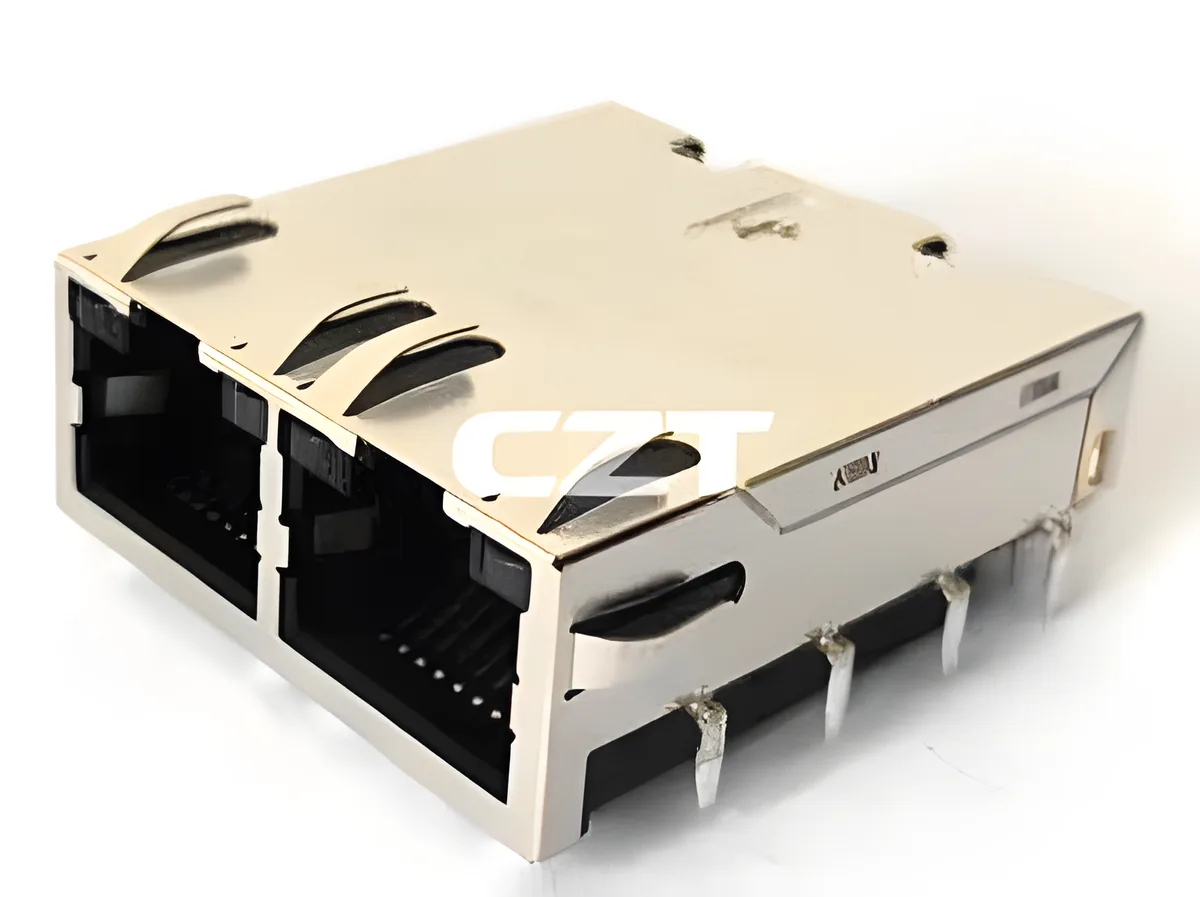
CZT manufactures a full range of Cat5e, Cat6, and Cat6a RJ45 connectors in both shielded and unshielded configurations. Every connector is tested to TIA-568 standards and rated for a minimum of 750 mating cycles.
Frequently Asked Questions
Can I use Cat6 cable with Cat5e connectors?
Technically, you can crimp a Cat5e connector onto Cat6 cable, but doing so downgrades the link to Cat5e performance. The Cat5e connector introduces a crosstalk bottleneck that negates the Cat6 cable's superior specifications. Always match the connector category to the cable category.
Is Cat6a worth the extra cost over Cat6?
For new commercial installations, yes. The cost difference per foot is modest compared to the labor cost of pulling cable. Cat6a guarantees 10 Gbps at the full 100-meter distance and supports high-power PoE without thermal concerns. If you plan to keep the cabling in place for more than 10 years, Cat6a pays for itself.
Can I mix Cat5e and Cat6 cables in the same network?
Yes. Ethernet is backward compatible, and your network will function. However, each link performs at the level of its lowest-rated component. A Cat5e patch cord connecting a switch to a Cat6 wall jack creates a Cat5e link. For consistent performance, use the same category throughout each individual link.
Do I need shielded cable for a home network?
In most residential environments, unshielded (UTP) cable is sufficient. Shielded cable is recommended when runs pass near high-EMI sources like electrical panels, fluorescent lighting, or industrial motors. Shielded cable also requires proper grounding at both ends — improper grounding can introduce ground loops that degrade performance.
What is the maximum PoE wattage for each cable category?
All three categories support PoE, but thermal performance varies. Cat5e supports IEEE 802.3af (15.4 W) and 802.3at (30 W) comfortably. Cat6 handles 802.3bt Type 3 (60 W) well. Cat6a, with its heavier construction and shielding, is the recommended choice for 802.3bt Type 4 (90 W), especially in bundled cable runs where heat dissipation is a concern.
Choose the Right Ethernet Cable and Connector for Your Project
Selecting the right Ethernet cable category is one of the most impactful decisions in any network infrastructure project. Cat5e gets the job done for basic Gigabit needs. Cat6 hits the price-performance sweet spot for most installations. Cat6a future-proofs your network for 10 Gbps at full distance.
No matter which category you choose, the quality of your cat6 RJ45 connectors and termination hardware is equally important. A premium cable terminated with a substandard connector will underperform every time.
CZT (SZSE: 002897) manufactures TIA-568 compliant RJ45 connectors for Cat5e, Cat6, and Cat6a applications — in shielded and unshielded variants, for solid and stranded conductors. Our connectors are used by system integrators, OEMs, and distributors across 60+ countries.
Ready to specify connectors for your next project?