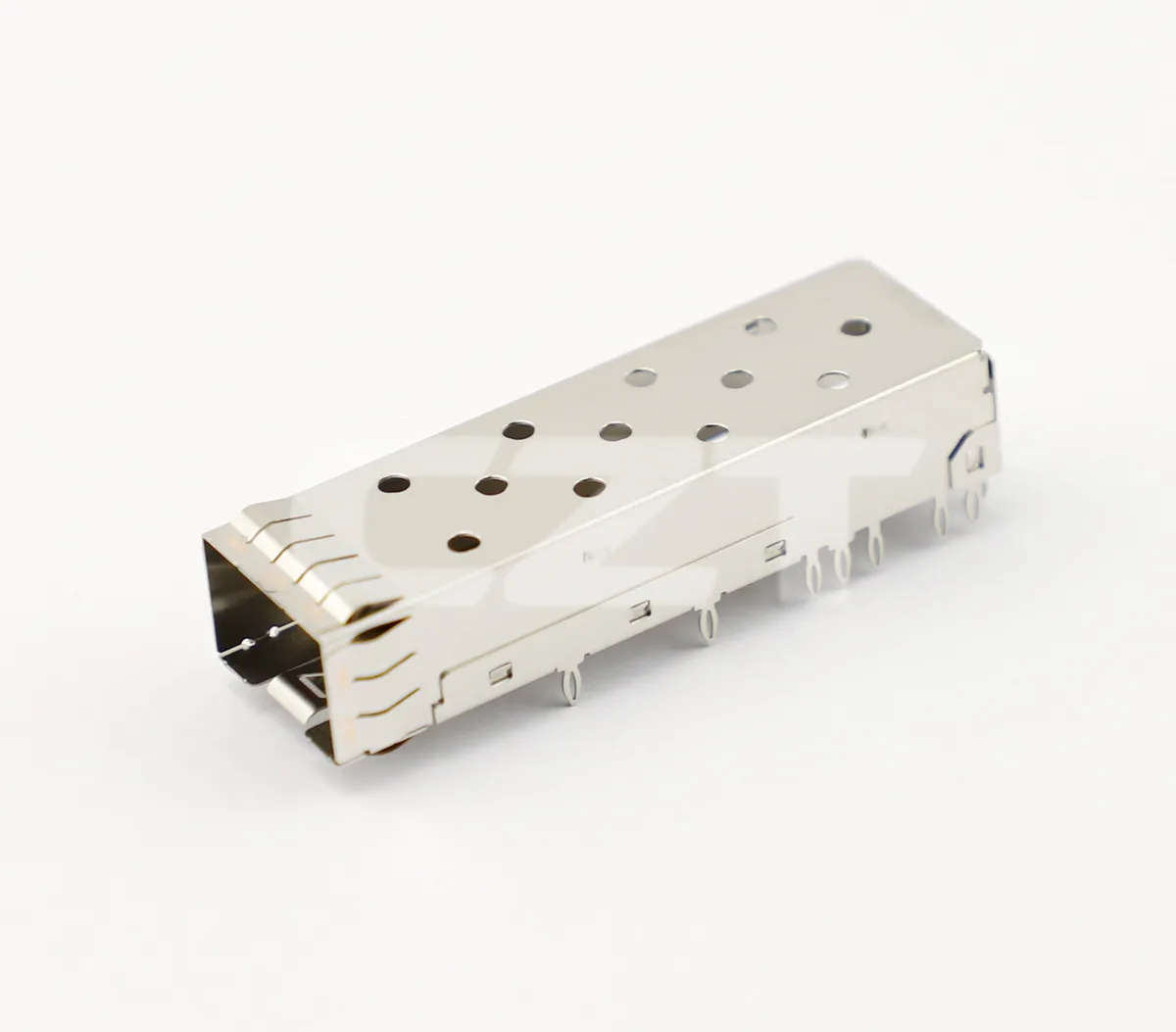
Qualify an industrial optical port under vibration as an installed assembly, including the module, cage, receptacle, PCB support and connected cable. Testing an isolated cage does not establish the behavior of the populated port. Define the application conditions and the monitored functions before selecting the laboratory test.

Figure 1. CZT two-port cage provides an identifiable mechanical assembly for planning an installed optical-port vibration test; no qualification result is implied. CZT source · Original image.
Set the application boundary
Identify where the equipment is mounted and what vibration requirement applies. Distinguish operational vibration from transport or other conditioning. Select the relevant specification and revision with the product owner rather than borrowing a convenient severity from another device.
IEC's sinusoidal-vibration publication describes a test method for specimens under specified severities. It is a method reference, not an automatic severity selection or proof that sinusoidal testing alone covers every industrial installation.
Reproduce the mechanical installation
Show PCB supports, cage mounting, front-panel position and cable attachment. Record the cable length and support near the module. Adding a strap or clamp that is absent from production can change the port's loading, so distinguish test instrumentation support from product support.
CZT's pluggable-I/O family lists cage and connector examples for an actual-part inquiry. The SFP or QSFP catalog label does not establish a vibration rating for the assembled optical port.
Define what is monitored
| Function or feature | Evidence to collect |
|---|---|
| Mechanical retention | Seating, latch condition and visible movement |
| Electrical interface | Required continuity or management observations |
| Optical operation | Link state and specified traffic or error records |
| PCB assembly | Mounting and solder or press-fit condition afterward |
| Cable interface | Connector seating and support condition |
| Test input | Actual vibration record and fixture identification |
Choose monitoring capable of detecting the interruption duration or error behavior relevant to the requirement. An inspection only after the test cannot establish that no transient interruption occurred during it.
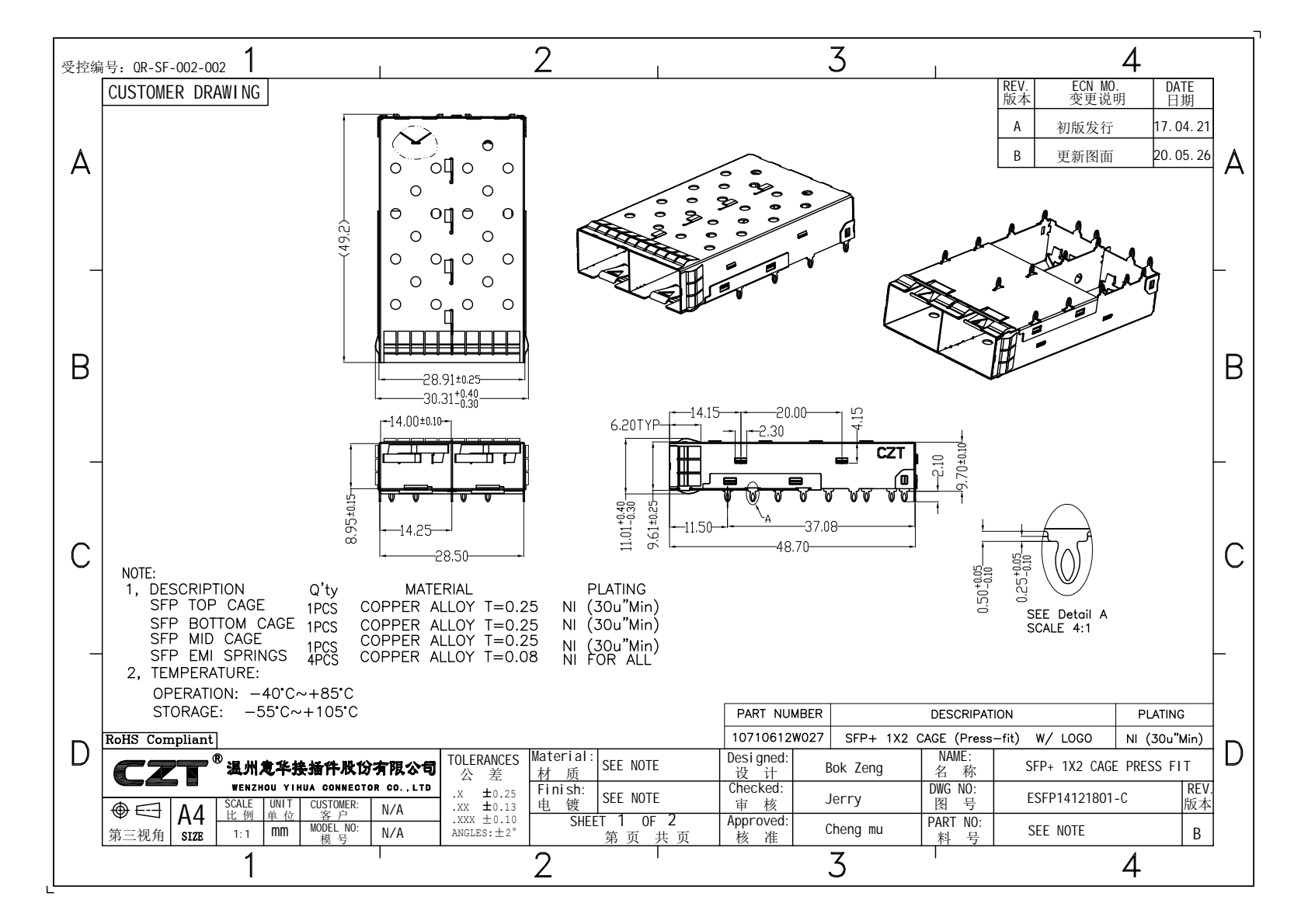
Figure 2. Official multiport cage drawing supports fixture and mounting definition; the test must also include the selected module, board supports and cable arrangement. CZT source · Original PDF, page 1.
Investigate changes without losing context
Record the axis, operating condition and time of any event. Correlate logs with the applied test input and inspect the relevant interface. Keep the distinction between a mechanical release, electrical interruption and optical-path issue; they may produce similar host symptoms.
A hypothetical test may show link interruptions only when a cable is left unsupported. Determine whether that cable arrangement represents the product before declaring the cage inadequate or adding an unplanned restraint. The corrective decision should address the actual installed boundary.
Check that monitoring leads and sensors do not restrain the specimen or alter the cable motion. Document their attachment and routing in fixture photographs. Instrumentation necessary to observe the test should not silently change the assembly being qualified.
Finish with post-test checks and a report linking sample identity, fixture, input and observed behavior. State the tested configuration and acceptance requirement explicitly. Revisit the evidence after changing the module, cable support, cage mounting or board support. Those changes can alter the port assembly even when its nominal form-factor name stays the same.
Connect this review to CZT product information
Catalog references to discuss are listed below. Use the identifiers to request the current drawing and confirm the configuration required by your application.
| Catalog reference | Product information | Drawing record | Reference inquiry |
|---|---|---|---|
| 10710111W064 | SFP+ 1x1 receptacle catalog record, 10710111W064 | Listed PDF | Ask about this reference |
| 10710111W028 | SFP+ 1x1 cage, 10710111W028 | Listed PDF | Ask about this reference |
A catalog drawing reference is a starting document, not a substitute for reviewing its revision, options and suitability for the complete assembly.
Browse the relevant product family · View catalog resources
Discuss a drawing, sample or quotation
Share the part or family reference, current drawing revision, operating conditions and quantities. Include the specific checks described in this article so the inquiry identifies both the component and the evidence needed for your decision. Confirm sample availability and the proposed scope with the supplier.
Request a technical review or quotation
For broader context, read the related selection guide.