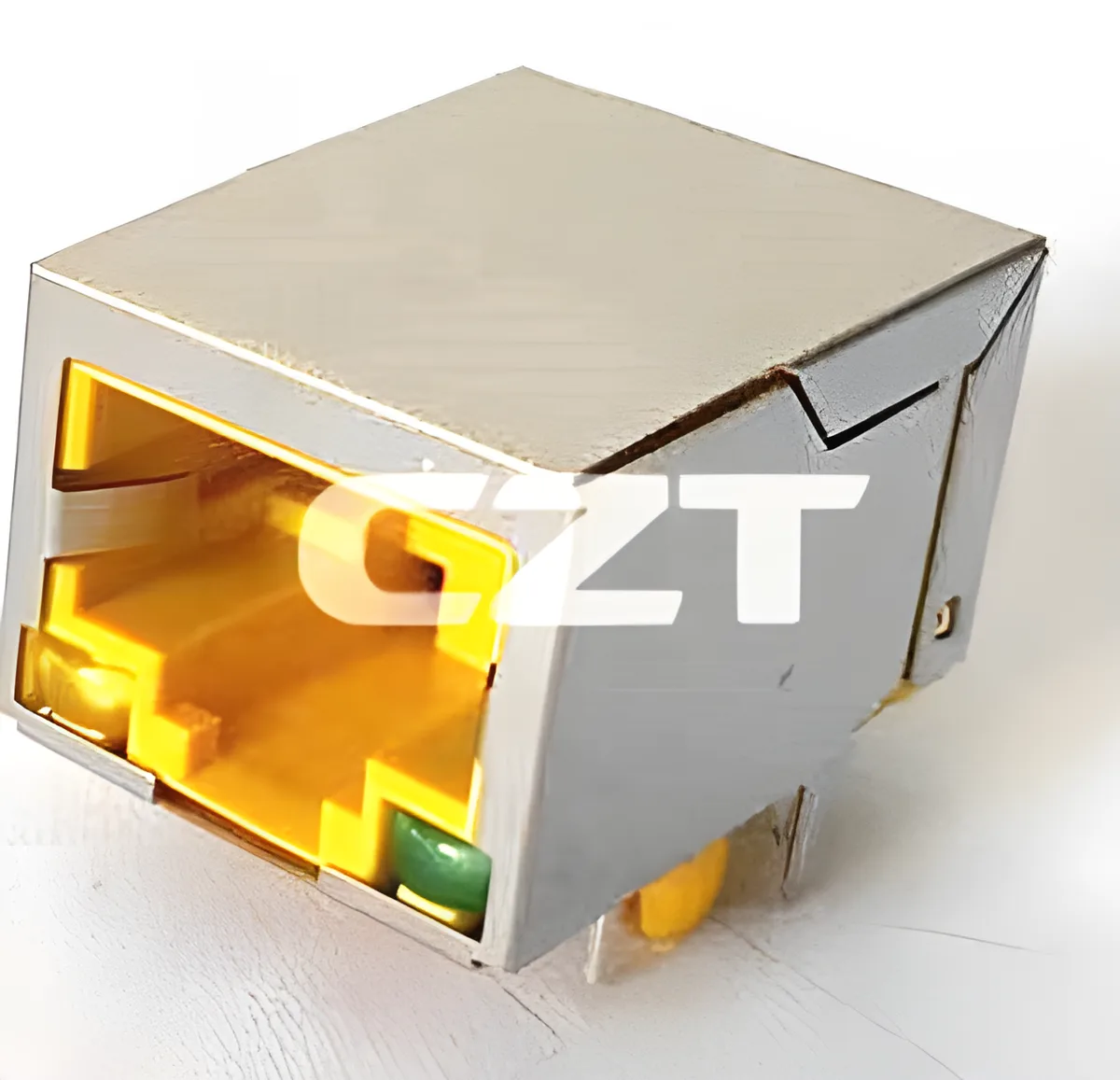
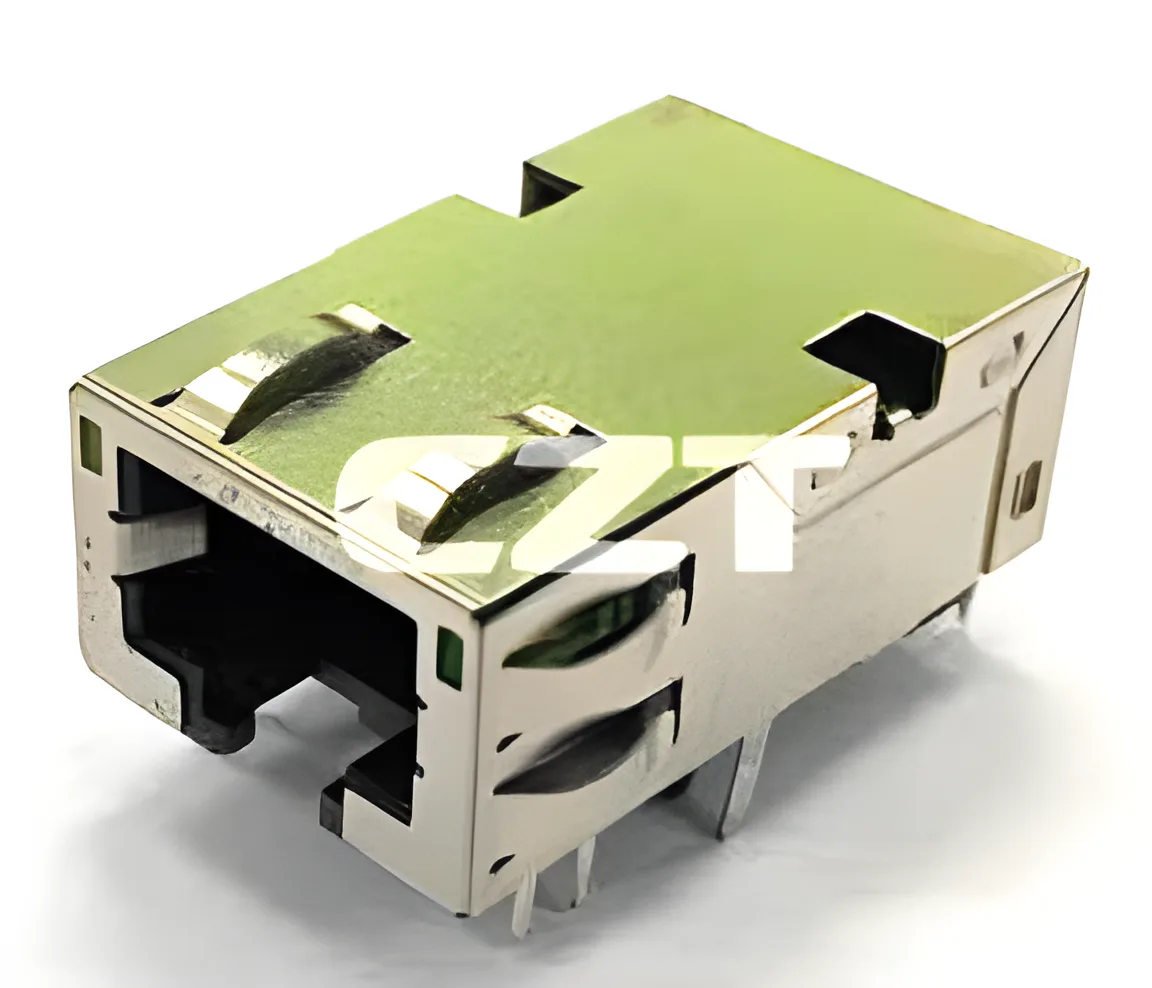
Review RJ45 isolation evidence by identifying the tested electrical boundary, the applied test conditions and the exact component covered. A voltage printed in a catalogue is not, by itself, proof that an assembled Ethernet port satisfies the equipment's safety requirements.
For a candidate from the CZT integrated magnetics family, the useful purchasing package connects the internal circuit, mechanical drawing and relevant test report. Each document answers a different part of the isolation question.
Define the boundary being reviewed
Start with the equipment architecture. Identify the cable-facing conductors, PHY-facing conductors, shield and chassis. Then mark the intended isolation boundary on both the system schematic and connector drawing. This avoids requesting a report for one boundary while assuming it covers another.
Ask the responsible safety engineer which equipment requirements apply. A component dielectric-withstand test and a system insulation assessment are related, but they are not interchangeable approvals. The system assessment can depend on operating voltage, environment, construction and other conditions beyond the connector itself.
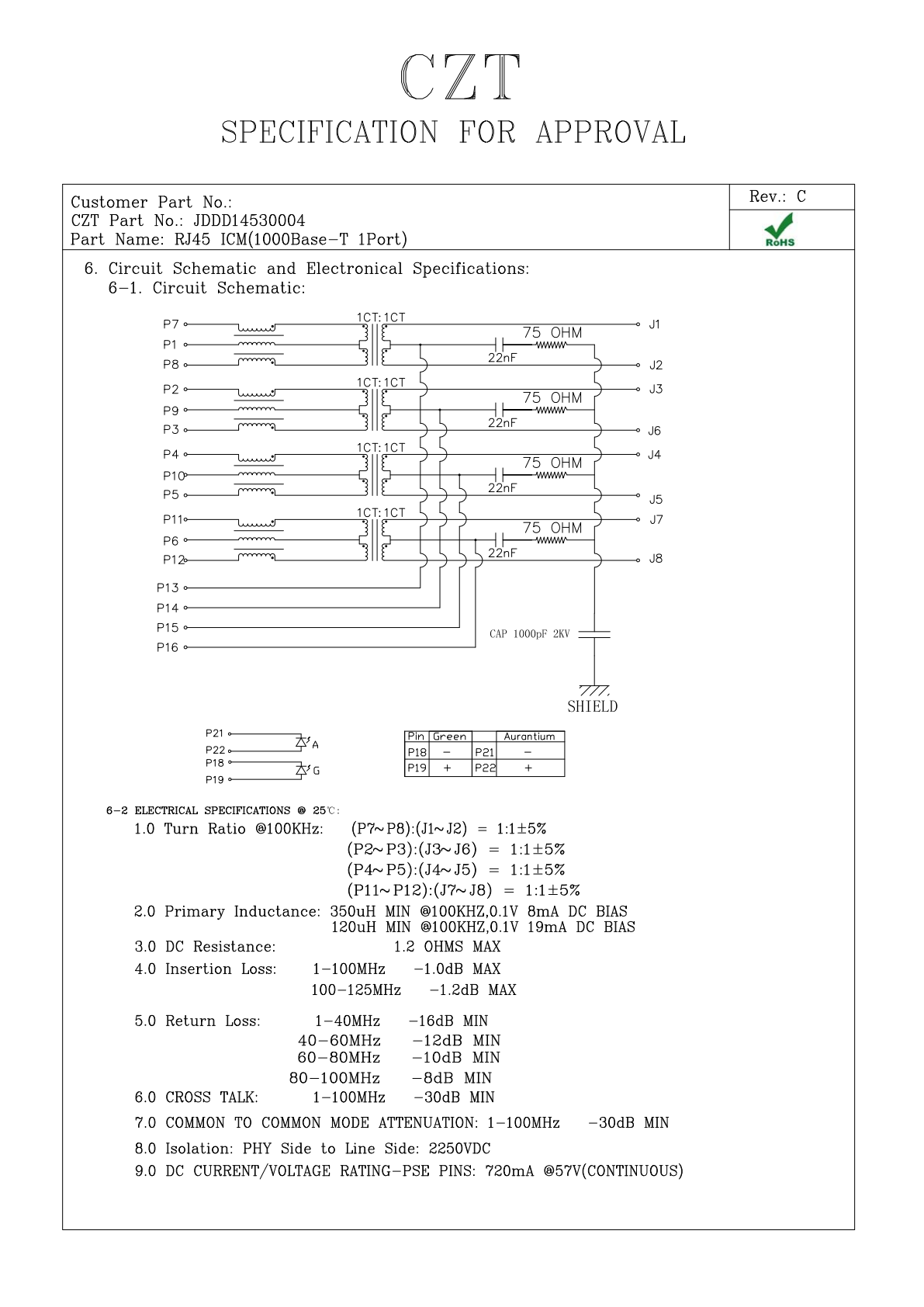
Figure 1. JDDD14530004: internal circuit and electrical specification fields from the official manufacturer specification, PDF page 6. CZT source · Original PDF, page 6.
Read the report as a procedure
A usable report states the tested terminals, waveform or supply type, applied voltage, duration, detection criteria and sample identification. Check whether the reported method is an inspection test, qualification exercise or another defined procedure. Do not silently replace one method with another because the numerical voltage appears larger.
Where the report covers a family, verify how the ordered suffix maps to that family. A different internal circuit or construction can matter even when the housing looks identical.
Use this document review table
| Review field | Evidence to retain |
|---|---|
| Component identity | Complete ordering code and drawing revision |
| Electrical boundary | Marked terminal groups and shield treatment |
| Test conditions | Procedure, waveform, voltage, time and criteria |
| Samples | Quantity, configuration and traceable identifiers |
| Construction | Relevant spacing and insulation details |
| System relevance | Safety engineer's scope assessment |
A report with an unresolved identity or boundary is incomplete for the purchase decision. Ask a focused question rather than filling the gap with a general certification statement.
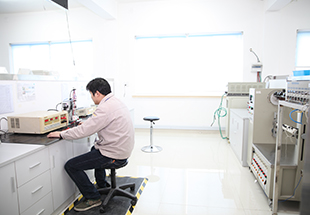
Figure 2. Electrical testing workstation pictured in CZT's official technical-capability gallery. CZT source · Original image.
Check spacing in the assembled configuration
The component drawing is only one part of the spacing review. PCB copper, mounting hardware and enclosure features can create paths that are absent from the bare component. Use the actual layout and assembly section to check those interfaces.
For a hypothetical controller, a connector report may cover winding-to-winding withstand while a metal bracket approaches the cable-side pins on the PCB. The report remains valid for its tested boundary, but it does not resolve that new assembly detail.
Close the review before ordering a substitute
Record which construction and board configuration were accepted, and identify any system testing still required. Future substitutions should return to that record. This keeps isolation review tied to the real interface and prevents purchasing from substituting a short catalogue phrase for a documented safety decision.
Connect this review to CZT product information
Catalog references to discuss are listed below. Use the identifiers to request the current drawing and confirm the configuration required by your application.
| Catalog reference | Product information | Drawing record | Reference inquiry |
|---|---|---|---|
| JDGD14100001 | RJ45 ICM catalog-listed 1000BASE-T 1-port type, JDGD14100001 | Listed PDF | Ask about this reference |
| JDDD14530004 | RJ45 ICM catalog-listed 1000BASE-T 1-port type, JDDD14530004 | Listed PDF | Ask about this reference |
A catalog drawing reference is a starting document, not a substitute for reviewing its revision, options and suitability for the complete assembly.
Browse the relevant product family · View catalog resources
Discuss a drawing, sample or quotation
Share the part or family reference, current drawing revision, operating conditions and quantities. Include the specific checks described in this article so the inquiry identifies both the component and the evidence needed for your decision. Confirm sample availability and the proposed scope with the supplier.
Request a technical review or quotation
For broader context, read the related selection guide.