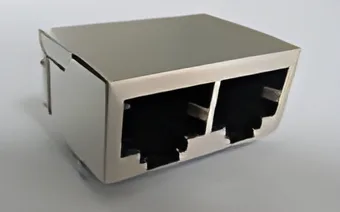
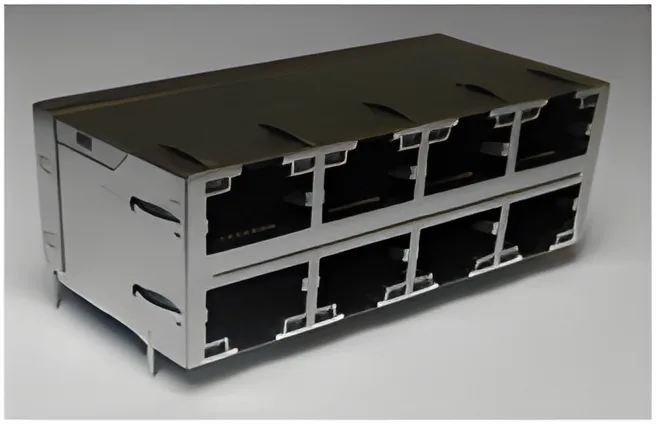
A multiport RJ45 crosstalk test should identify the driven port, observed port and pair combination for every result. A single statement that a stacked or ganged connector has “low crosstalk” does not describe how adjacent ports were evaluated.
For candidates in the CZT integrated magnetics family, separate the component question from coupling introduced by the PCB and test fixture. Both can matter, but they require different interpretations.
Define the port and pair matrix
Number the ports from a stated viewing direction. For a stacked connector, identify upper and lower rows explicitly. Then list the pair identifiers within each port and distinguish neighboring ports from more distant ones.
Choose the driven and observed combinations deliberately. Geometric neighbors may deserve attention, but do not assume that physical proximity alone identifies the worst electrical coupling path. The internal construction and board routing also contribute.
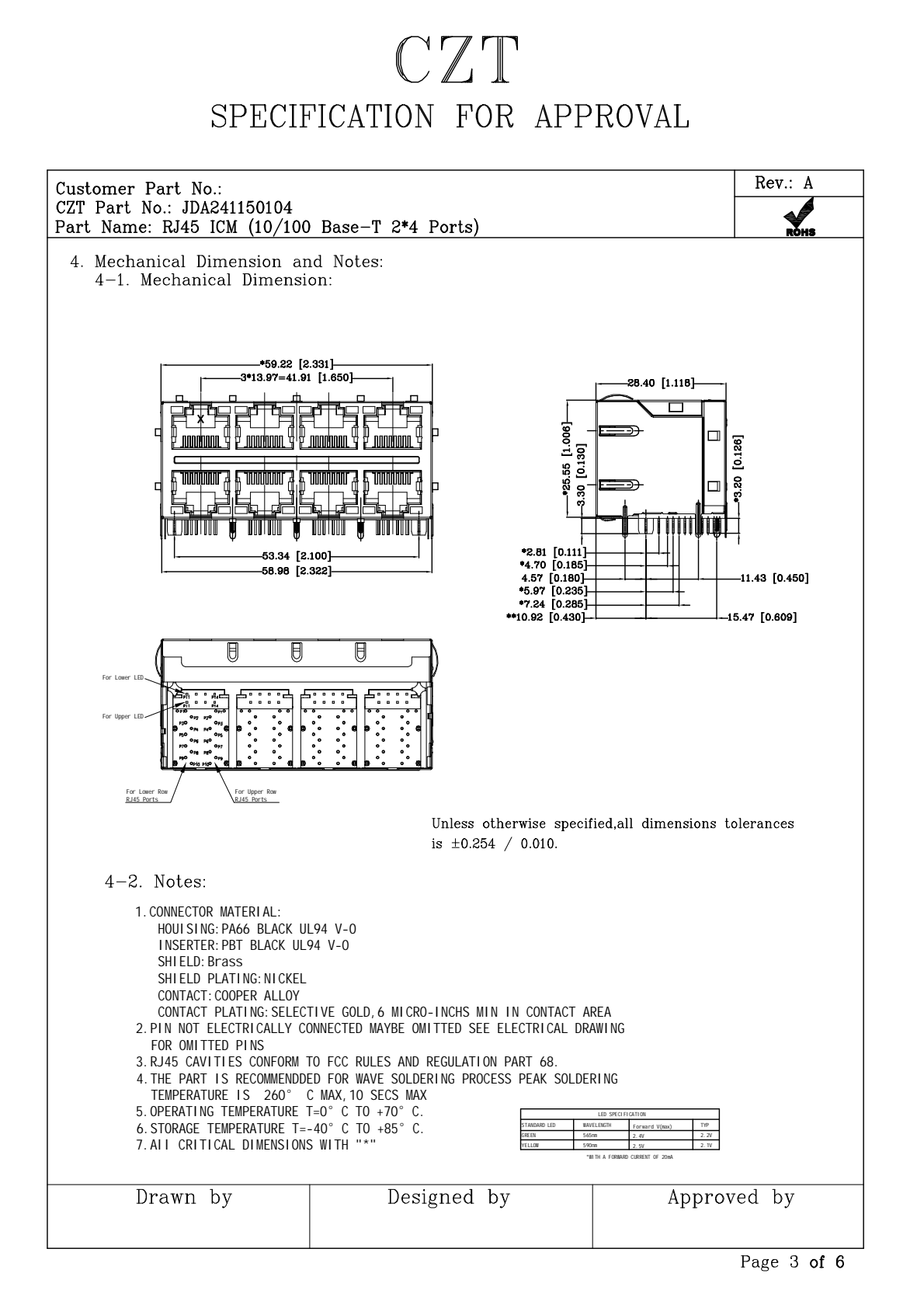
Figure 1. JDA241150104 2x4 module mechanical views from the official specification, PDF page 3. CZT source · Original PDF, page 3.
Lock the electrical setup
Record the instrument configuration, frequency range, reference impedance and treatment of unused ports. Identify the measurement planes and calibration arrangement. Without those details, results from different reports may not be directly comparable.
For a board-level investigation, keep routing, termination and fixture arrangements consistent while changing the connector. If the PCB changes too, document the additional variables instead of assigning the full difference to the component.
Use a structured test matrix
| Matrix field | Example entry type |
|---|---|
| Port view | Mating face, top row first |
| Aggressor | Port identifier and driven pair |
| Victim | Port identifier and observed pair |
| Other interfaces | Defined terminations and operating state |
| Measurement | Frequency sweep and reported quantity |
| Requirement | Applicable limit and controlling document |
| Result record | Trace file, sample ID and repeat status |
These are example fields, not a specified test method or acceptance limit. The final procedure should follow the requirements relevant to the selected interface.
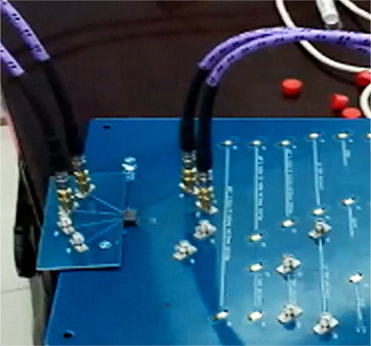
Figure 2. A high-frequency test fixture pictured in the manufacturer's technical-development gallery. CZT source · Original image.
Compare patterns rather than one worst value alone
Review whether unfavorable results cluster around certain port positions, pair combinations or frequency regions. A consistent pattern can help distinguish an internal geometry issue from a fixture or routing artifact.
If one combination looks abnormal, repeat the connection and verify the port labels. An incorrectly mapped fixture can create an apparent electrical outlier that is actually a documentation error.
Keep component and system conclusions separate
A component comparison can shortlist suitable modules. A complete switch or network appliance still needs the required validation with its actual PCB and operating modes. Conversely, a board-level problem does not automatically establish that the bare connector fails its own requirements.
A useful sample request includes the port configuration, target PHY and expected test coverage. The supplier can then respond with a relevant drawing and report scope instead of a generic multiport catalogue page that leaves the important comparison unresolved.
Connect this review to CZT product information
Catalog references to discuss are listed below. Use the identifiers to request the current drawing and confirm the configuration required by your application.
| Catalog reference | Product information | Drawing record | Reference inquiry |
|---|---|---|---|
| JDAD20370200 | RJ45 1x2 magnetic-module catalog record, JDAD20370200 | Listed PDF | Ask about this reference |
| JDA241150104 | RJ45 2x4 magnetic-module catalog record, JDA241150104 | Listed PDF | Ask about this reference |
A catalog drawing reference is a starting document, not a substitute for reviewing its revision, options and suitability for the complete assembly.
Browse the relevant product family · View catalog resources
Discuss a drawing, sample or quotation
Share the part or family reference, current drawing revision, operating conditions and quantities. Include the specific checks described in this article so the inquiry identifies both the component and the evidence needed for your decision. Confirm sample availability and the proposed scope with the supplier.
Request a technical review or quotation
For broader context, read the related selection guide.