Select a panel-mount RJ45 coupler by reviewing both mating interfaces and the panel attachment. A coupler that accepts the intended plugs can still be unsuitable if its locking arrangement, panel-thickness range or access space does not match the equipment.
Use the CZT socket and network-accessory family as the starting point for available references. Confirm the actual coupler construction and documentation before assigning it a place in the equipment drawing.
Define both sides of the interface
Identify the external and internal cable assemblies separately. Record plug and boot envelopes, cable approach directions and any shield-continuity requirement. An internal service cable may create a different space constraint from the external user connection.
Also identify what electrical performance is required of the completed path. Physical mating alone does not prove the coupler and attached cables satisfy the intended link requirements.
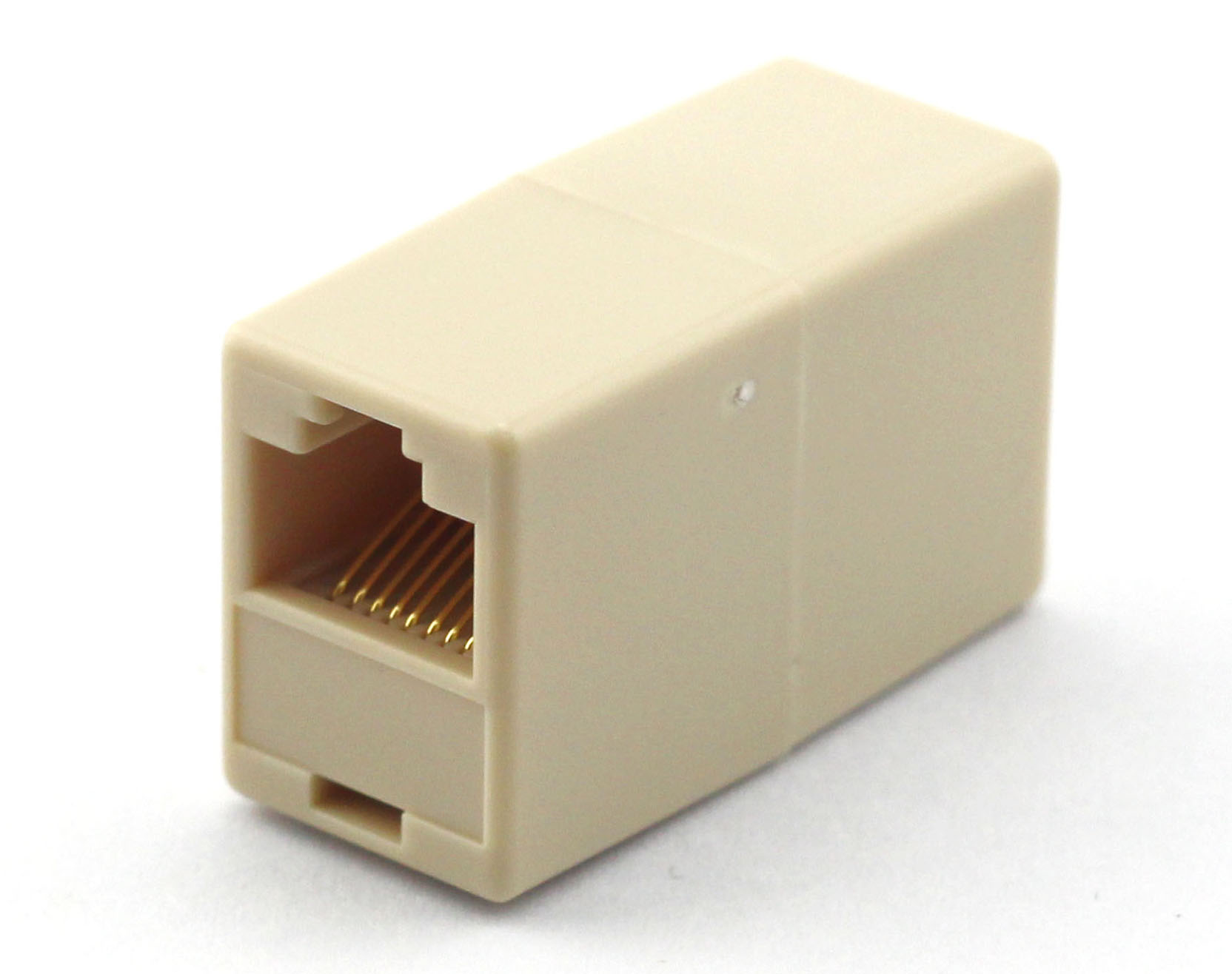
Figure 1. Modular-socket family context: QWY-1062-7 from the official catalog. Panel-mount coupler suitability is not established by this photograph. CZT source · Original image.
Review panel attachment details
Determine whether the part uses a latch, flange, fastener or another mounting method. Compare the specified opening, panel thickness and retention features with the actual enclosure construction.
Consider assembly direction and removal access. A retaining feature may become inaccessible once the PCB or neighboring hardware is installed. Include that service sequence in the review rather than discovering it during repair.
Use a dual-interface checklist
| Area | Review question |
|---|---|
| External mating side | Does the intended plug and boot seat and release? |
| Internal mating side | Is there clearance for the complete cable exit? |
| Panel opening | Is the shape and tolerance defined? |
| Retention | Does the mounting method suit the panel construction? |
| Shield path | Is continuity or separation intentionally specified? |
| Link path | What finished-path electrical evaluation is required? |
Record the exact accessory and panel configurations used for a fit trial. A coupler approved in a thin test plate has not necessarily been reviewed in the final enclosure.
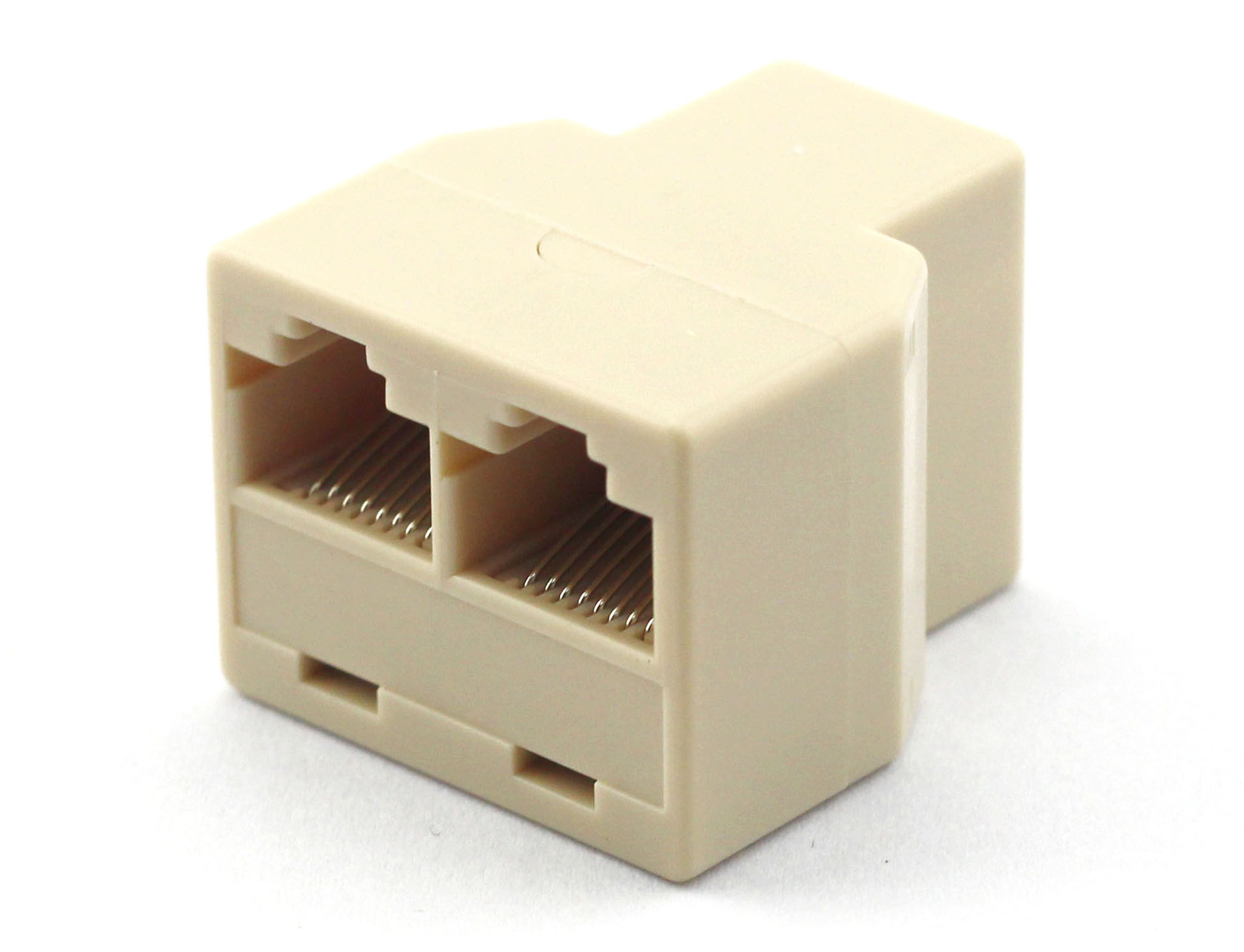
Figure 2. A separate modular-socket family reference, QWY-1065-2. This image does not identify a verified panel-mount coupler. CZT source · Original image.
Evaluate loaded and crowded conditions
Check the panel with both sides connected and representative neighboring components present. Observe cable loading, latch operation and whether the coupler moves or becomes distorted under the project's defined mechanical conditions.
For a hypothetical panel, the coupler might install correctly before an internal cable is connected but become difficult to retain once that cable is bent into its final route. The issue belongs to the combined assembly, not only to the panel cutout.
Release an interface package
Keep the coupler drawing, panel detail, mating-cable references and relevant verification together. A replacement must be compared against both mating sides and the mounting method.
This produces a sourcing decision that accounts for real installation and maintenance. It avoids assuming that two objects described as RJ45 couplers are mechanically or electrically interchangeable across every equipment design.
Connect this review to CZT product information
Start with the relevant CZT product family and provide the original interface reference or controlled drawing. Ask which configurations and supporting documents are available for the task described here. Confirm the mating arrangement, required features and project conditions before choosing an orderable part.
Browse the relevant product family · View catalog resources
Discuss a drawing, sample or quotation
Share the part or family reference, current drawing revision, operating conditions and quantities. Include the specific checks described in this article so the inquiry identifies both the component and the evidence needed for your decision. Confirm sample availability and the proposed scope with the supplier.
Request a technical review or quotation
For broader context, read the related selection guide.