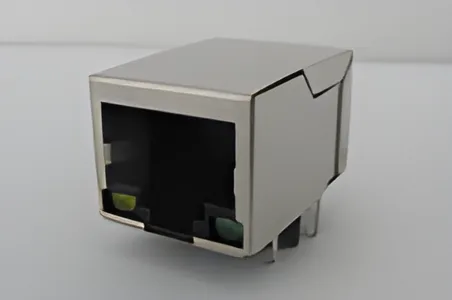
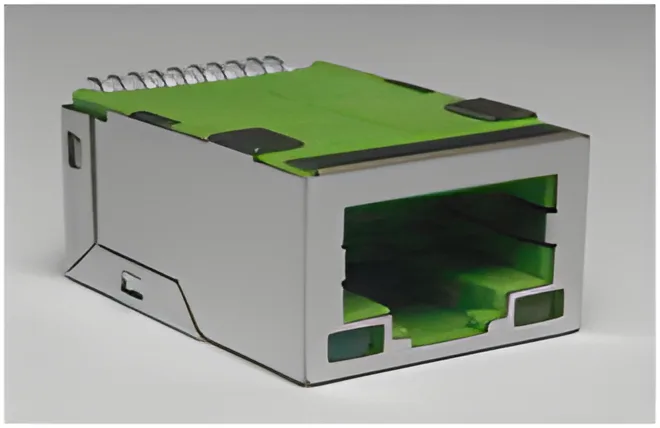
Verify an RJ45 connector's integrated LEDs by mapping their actual terminals and polarity to the PCB drive circuit. Ethernet cable pinouts such as T568A and T568B do not define the auxiliary LED pins on a board-mounted jack.
Use the drawing for the selected candidate in the CZT integrated magnetics range. The housing appearance or the color seen through a lens is not enough to determine its electrical arrangement.
Establish the drawing view
Identify whether the pin drawing is a mating-face, board-side or bottom view. Add a simple orientation note showing the latch and board edge. This is particularly helpful when the mechanical team and schematic team use different views of the same part.
Record the complete orderable suffix. LED options can be encoded separately from the basic connector family, so a sample and a drawing must refer to the same configuration before the mapping is approved.
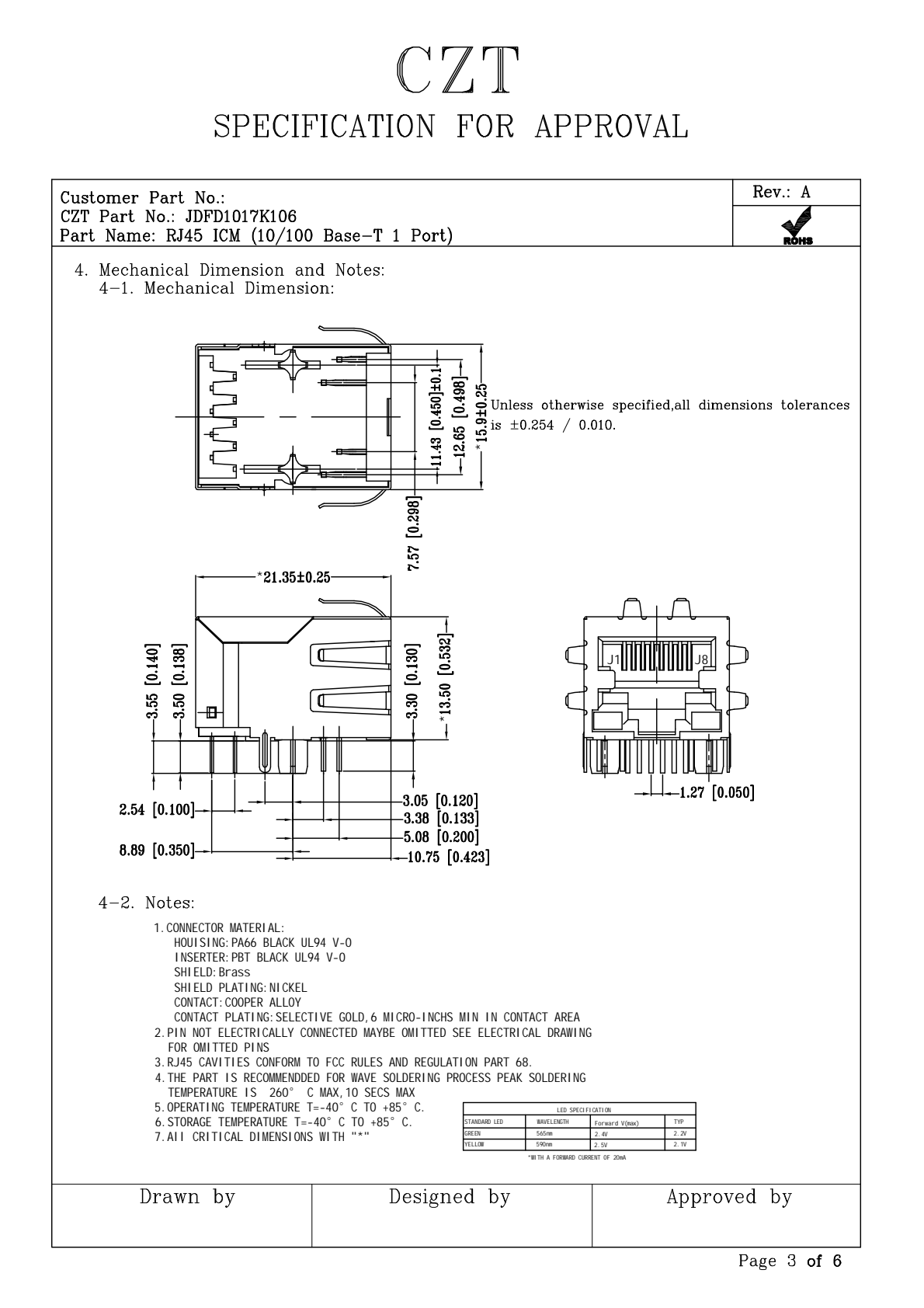
Figure 1. JDFD1017K106: mechanical views from the official manufacturer specification, PDF page 3. CZT source · Original PDF, page 3.
Identify the LED circuit
Determine whether the drawing shows independent LEDs, shared terminals or another specified arrangement. Copy the manufacturer's polarity markings into a dedicated worksheet instead of interpreting the pin positions from memory.
Next, compare the LED's documented electrical conditions with the actual driver. Identify the external components and control signals responsible for current and logic behavior. Do not infer allowable drive conditions from a successful momentary bench illumination.
Complete this verification worksheet
| Worksheet field | Entry |
|---|---|
| Connector identity | Full model, LED option and drawing revision |
| View direction | Mating or PCB view with orientation reference |
| LED function | Intended indication and visible location |
| Terminals | Anode, cathode or documented shared node |
| PCB connection | Schematic net and footprint pad |
| Drive conditions | Driver configuration and approved component values |
| Sample result | Observed color, position and operating behavior |
Keep the observed result separate from the expected result. A mismatch may reveal a reversed drawing interpretation, an incorrect sample option or a PCB connection error.
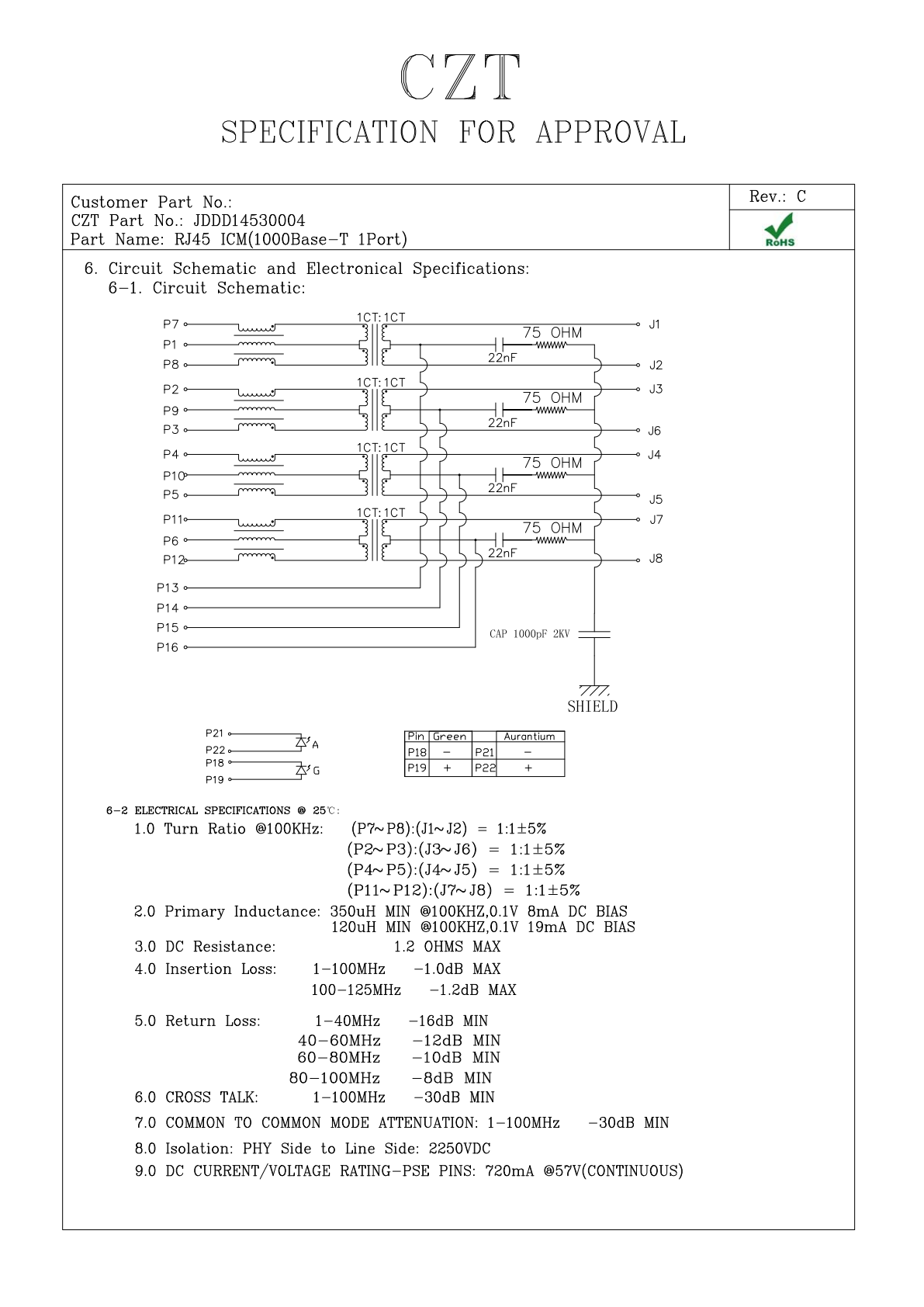
Figure 2. JDDD14530004: internal circuit and electrical specification fields from the official manufacturer specification, PDF page 6. CZT source · Original PDF, page 6.
Check a sample before releasing the footprint
Use an appropriate, current-controlled evaluation arrangement based on the LED specifications. Confirm which indicator illuminates and how its physical position corresponds to the drawing. Then verify the intended behavior on the actual PCB.
For a hypothetical two-indicator port, both LEDs could illuminate correctly on a bench while the PCB assigns activity and link status to the opposite physical windows. This is a functional mapping problem even though neither LED is defective.
Make future changes reviewable
Attach the worksheet and sample photographs to the approved connector record. When an LED color or connector suffix changes, review the circuit and footprint again rather than treating it as a purely cosmetic substitution.
This small verification task prevents a common category of avoidable board rework: the Ethernet port operates, but its indicators are reversed, driven incorrectly or assigned to the wrong product function.
Connect this review to CZT product information
Catalog references to discuss are listed below. Use the identifiers to request the current drawing and confirm the configuration required by your application.
| Catalog reference | Product information | Drawing record | Reference inquiry |
|---|---|---|---|
| JDFD1017B704 | RJ45 1x1 LED magnetic-module catalog record, JDFD1017B704 | Listed PDF | Ask about this reference |
| JDFU11690204 | TAB-UP RJ45 LED magnetic-module catalog record, JDFU11690204 | Request the current drawing | Ask about this reference |
A catalog drawing reference is a starting document, not a substitute for reviewing its revision, options and suitability for the complete assembly.
Browse the relevant product family · View catalog resources
Discuss a drawing, sample or quotation
Share the part or family reference, current drawing revision, operating conditions and quantities. Include the specific checks described in this article so the inquiry identifies both the component and the evidence needed for your decision. Confirm sample availability and the proposed scope with the supplier.
Request a technical review or quotation
For broader context, read the related selection guide.