Choose a vertical or right-angle RJ45 jack by comparing the cable's approach direction, the board location and the enclosure's service envelope. A nominal height advantage is useful only if the installed port remains accessible and mechanically supported.
Use actual candidates from the CZT modular jack family. The catalogue identity establishes which drawing to inspect; it should not be used to infer an unlisted dimension or an enclosure fit.
Start with the cable route
Draw the cable's approach, insertion direction and required bend space. Include the mating plug and boot rather than representing the connection as a line ending at the panel. A vertical port can suit one equipment layout while obstructing another.
Ask whether the port will be connected during assembly, serviced in the field or repeatedly accessed by an operator. These use cases can change the importance of latch access and the space needed around the connector.
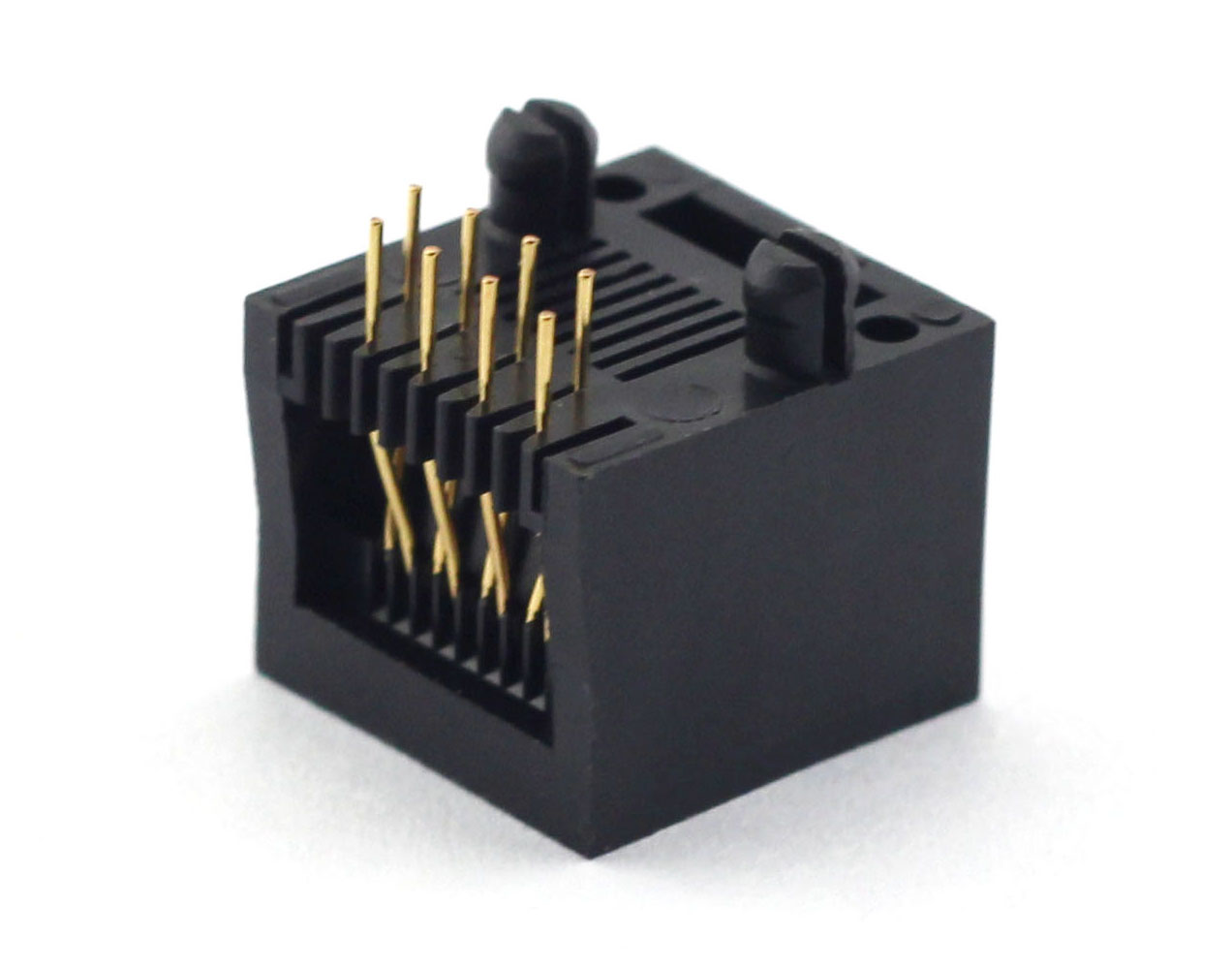
Figure 1. E52QWY-1093-5 socket construction from CZT's original catalog. CZT source · Original image.
Compare the complete envelopes
Check the component above and below the PCB, including solder tails and mounting features. Then review the space occupied by a mated plug. Do not compare a bare vertical jack with a right-angle jack already shown with its plug attached.
Identify the assembly path too. A connector may fit in its final location but prevent the PCB from sliding into the enclosure or reaching its mounting points.
Make a layout decision table
| Requirement | Vertical candidate | Right-angle candidate |
|---|---|---|
| Cable approach | Direction and bend envelope | Direction and bend envelope |
| Board relationship | Height and underside clearance | Height and board-edge relationship |
| Operator access | Insertion and latch-release space | Insertion and latch-release space |
| Assembly sequence | Board installation route | Board installation route |
| Support | Load transfer and panel contact | Load transfer and panel contact |
Use dimensions from controlled drawings and measured prototype assemblies. A rendering alone can conceal tolerances or omit the cable boot.
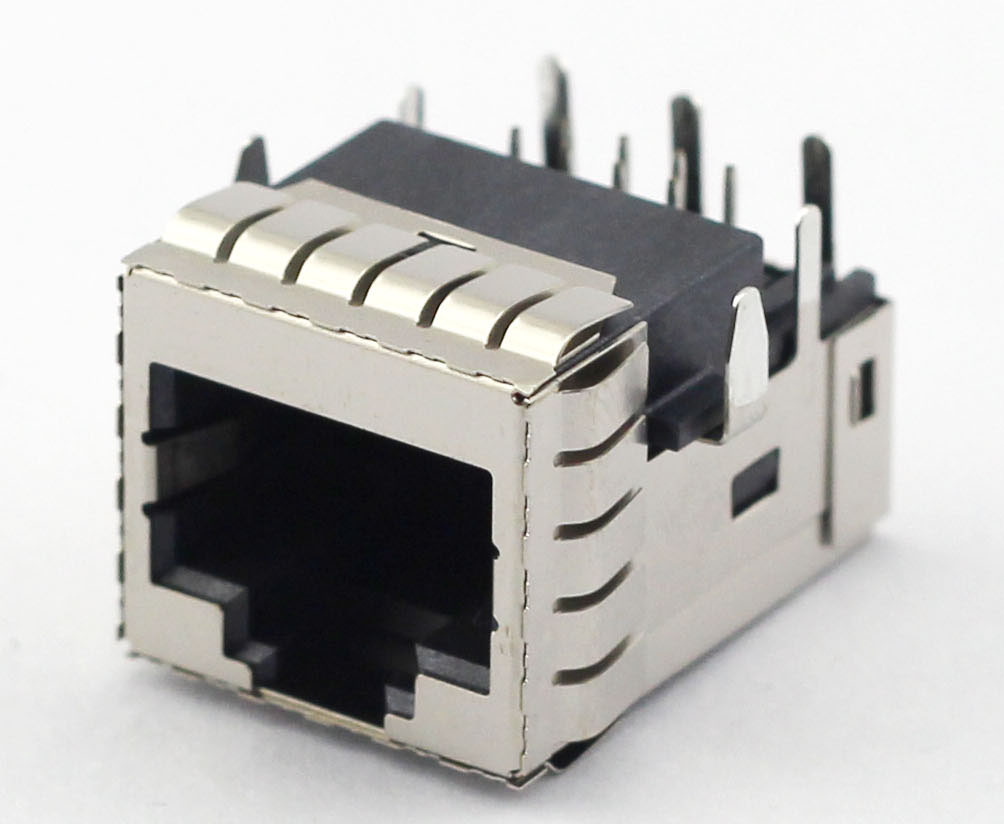
Figure 2. Official photograph of the ESP130500 recessed RJ45 jack and its visible PCB-pin construction. CZT source · Original image.
Check the load path
The connector's orientation changes how cable movement and insertion forces act on the board. Review mounting tabs, PCB support and any intended panel support. Do not assume the electrical terminals should absorb the entire external load.
For a hypothetical compact control unit, a vertical jack may clear the panel but bring the cable close to the enclosure lid. A right-angle alternative may improve cable clearance while using more board-edge space. The decision should show both consequences.
Verify the selected geometry physically
Trial the production-intent PCB, enclosure and mating cable together. Check insertion, latch release, cable movement and board installation order at the allowed assembly positions.
Keep the approved mechanical configuration with the part selection. A later change in cable boot, lid geometry or PCB location can invalidate the original orientation decision even when the jack itself remains unchanged.
Connect this review to CZT product information
Start with the relevant CZT product family and provide the original interface reference or controlled drawing. Ask which configurations and supporting documents are available for the task described here. Confirm the mating arrangement, required features and project conditions before choosing an orderable part.
Browse the relevant product family · View catalog resources
Discuss a drawing, sample or quotation
Share the part or family reference, current drawing revision, operating conditions and quantities. Include the specific checks described in this article so the inquiry identifies both the component and the evidence needed for your decision. Confirm sample availability and the proposed scope with the supplier.
Request a technical review or quotation
For broader context, read the related selection guide.