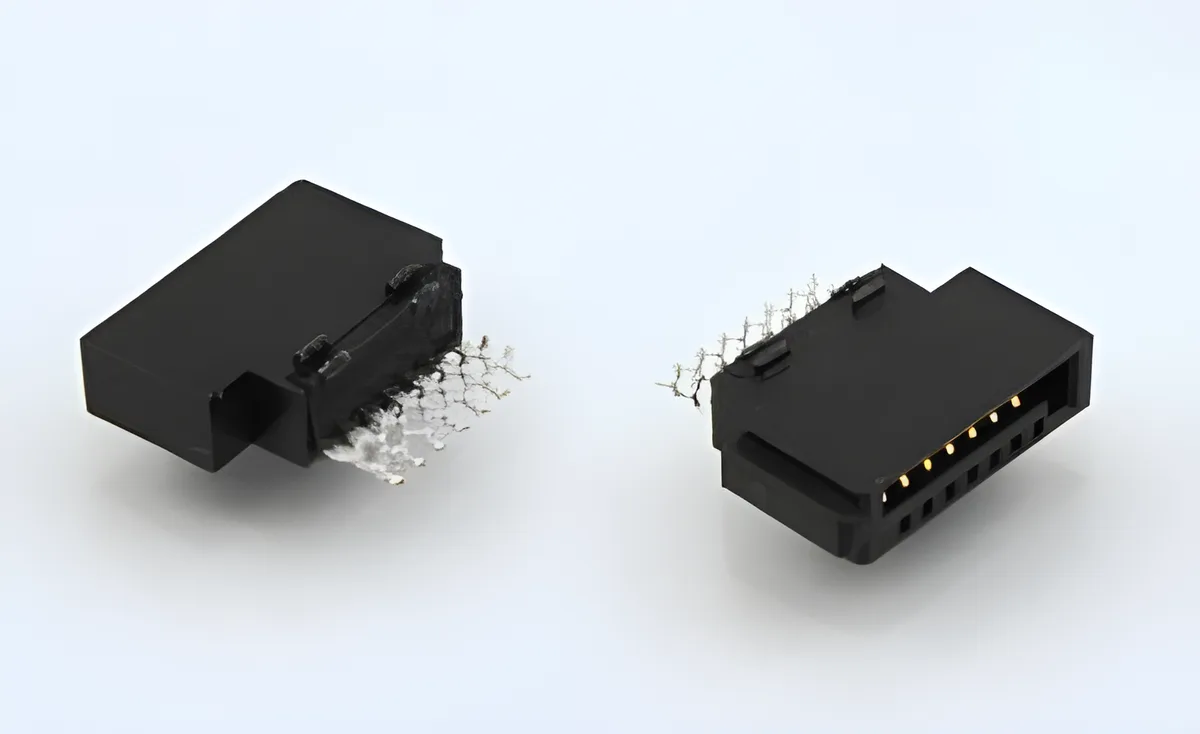
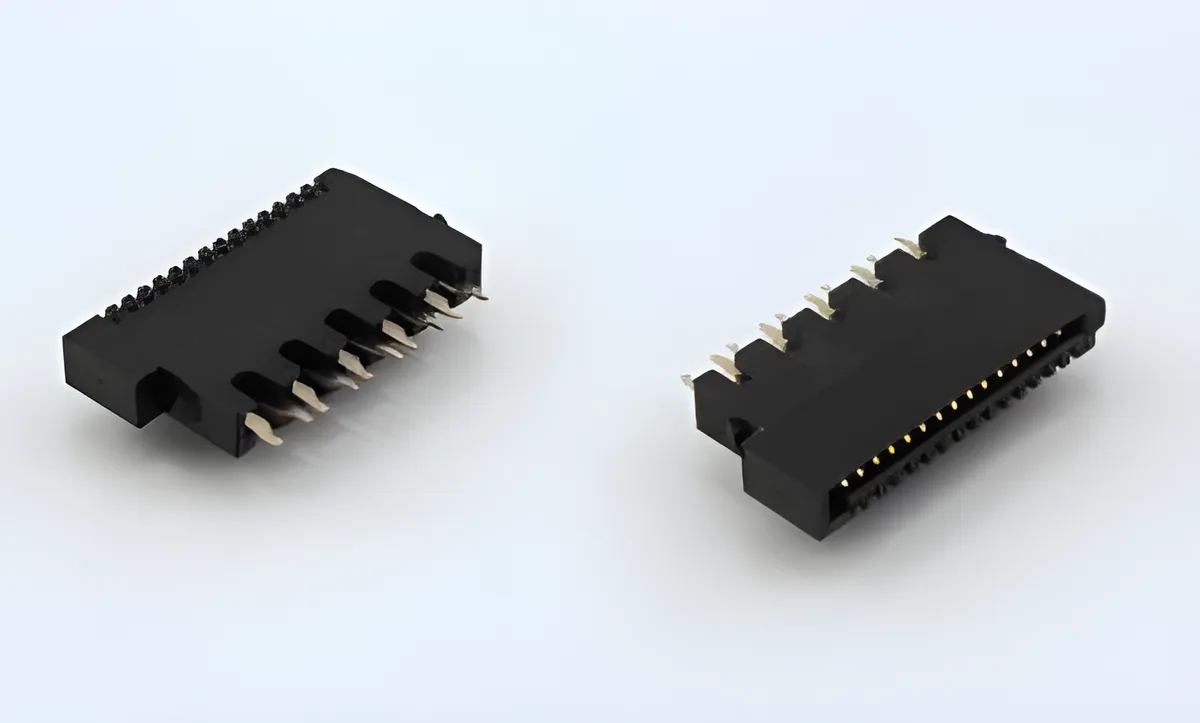
Review SATA data and power connectors as distinct interfaces with a defined installed relationship. A common equipment drawing may show both together, but their terminal functions and geometry still need separate confirmation. Selecting by the word SATA alone leaves important decisions unresolved.
The USB and HDMI connector family is the relevant catalog area for these board-level I/O records. Confirm the selected model's original drawing before mapping pins or designing a drive insertion path. As an independent example of interface labeling, TE identifies a combined receptacle as 7P plus 15P in its SATA product record; that example does not establish the configuration of any CZT model.
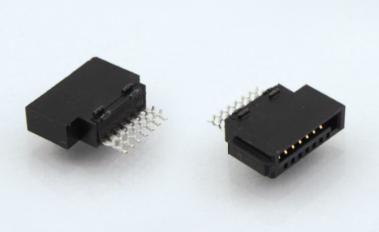
Figure 1. CZT SATA 7-position catalog example illustrates the data-interface geometry to distinguish from a power connector during board-level selection. CZT source · Original image.
Identify the actual connection arrangement
State whether the equipment uses separate cables, a combined mating assembly or direct drive insertion into a board-mounted interface. Identify the drive or mating part by its controlled documentation.
Check the signal and power functions against the schematic. Do not rely on an outline or contact count to assign nets. The viewing direction and numbering convention must be clear on the connection table.
A catalog angle designation also needs interpretation from the drawing. It may describe orientation, not a temperature capability. Treat ambiguous labels as a request for clarification rather than an engineering rating.
Check the insertion envelope
Model the drive or cable plug through its full approach and seated positions. Include its housing, overmold and any guide features. Determine whether the connector is expected to align the mating part or whether the enclosure provides separate alignment.
| Question | Design evidence |
|---|---|
| What mates to the board? | Exact drive or plug drawing |
| Which direction does it enter? | Assembly section and insertion path |
| Where are the board references? | Standoff and mounting dimensions |
| What carries the applied force? | Guides, supports and shell attachments |
| Which terminal is which? | Approved pin-function table |
Avoid making a thin connector tongue the unintended guide for a heavy or misaligned assembly. The product's mechanical design should define how alignment is achieved.
Compare the board footprint and process
Review terminal tails, shell or support features, locating points and maximum body dimensions. Check whether neighboring parts obstruct assembly or service access.
Use the manufacturer's process information for the exact candidate. A footprint match does not automatically establish compatibility with the existing reflow or other joining process. Inspect first articles for position and seating before conducting system tests.
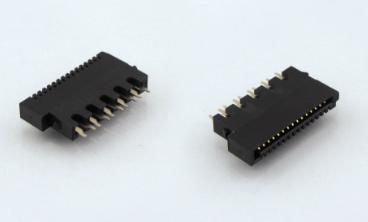
Figure 2. CZT SATA 15-position catalog example illustrates a separate power-interface construction; match the actual device interface and mounting requirement independently. CZT source · Original image.
Validate the intended combination
For a hypothetical storage enclosure, a drive may engage correctly on an exposed board yet bind when the enclosure rails are installed. Test the complete guide-and-connector arrangement rather than filing the connector alone as defective.
Retain the board, mating device and enclosure revisions with the result. Mechanical mating, continuity, power behavior and required channel operation are separate acceptance lines. Approve the combination only within the conditions actually evaluated, leaving changes to drive geometry, PCB position or connection method subject to further review.
Connect this review to CZT product information
Catalog references to discuss are listed below. Use the identifiers to request the current drawing and confirm the configuration required by your application.
| Catalog reference | Product information | Drawing record | Reference inquiry |
|---|---|---|---|
| SATA02 7PIN | SATA 7-pin catalog record, SATA02 | Listed PDF | Ask about this reference |
| SATA04 15PIN | SATA 15-pin catalog record, SATA04 | Listed PDF | Ask about this reference |
A catalog drawing reference is a starting document, not a substitute for reviewing its revision, options and suitability for the complete assembly.
Browse the relevant product family · View catalog resources
Discuss a drawing, sample or quotation
Share the part or family reference, current drawing revision, operating conditions and quantities. Include the specific checks described in this article so the inquiry identifies both the component and the evidence needed for your decision. Confirm sample availability and the proposed scope with the supplier.
Request a technical review or quotation