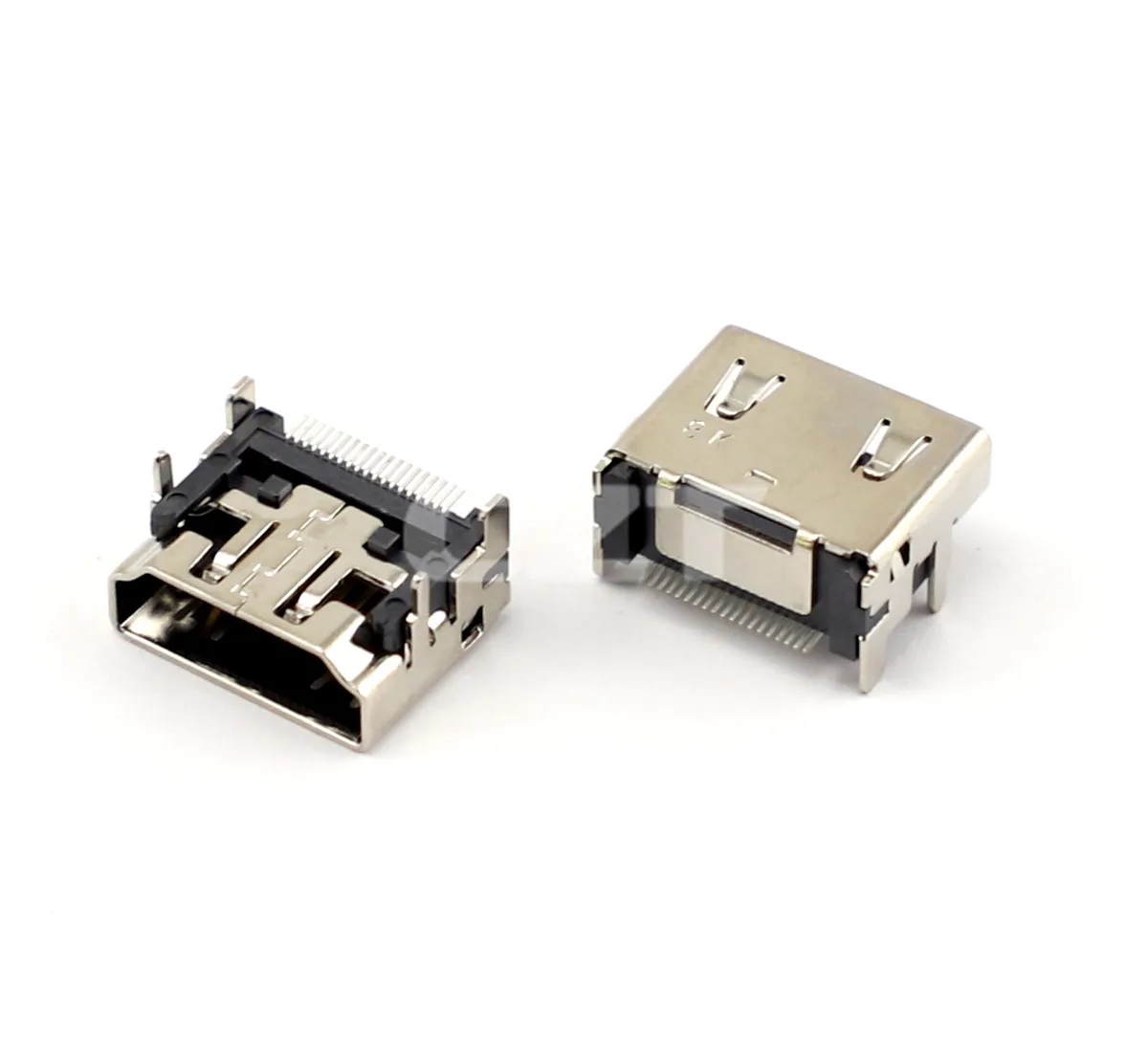
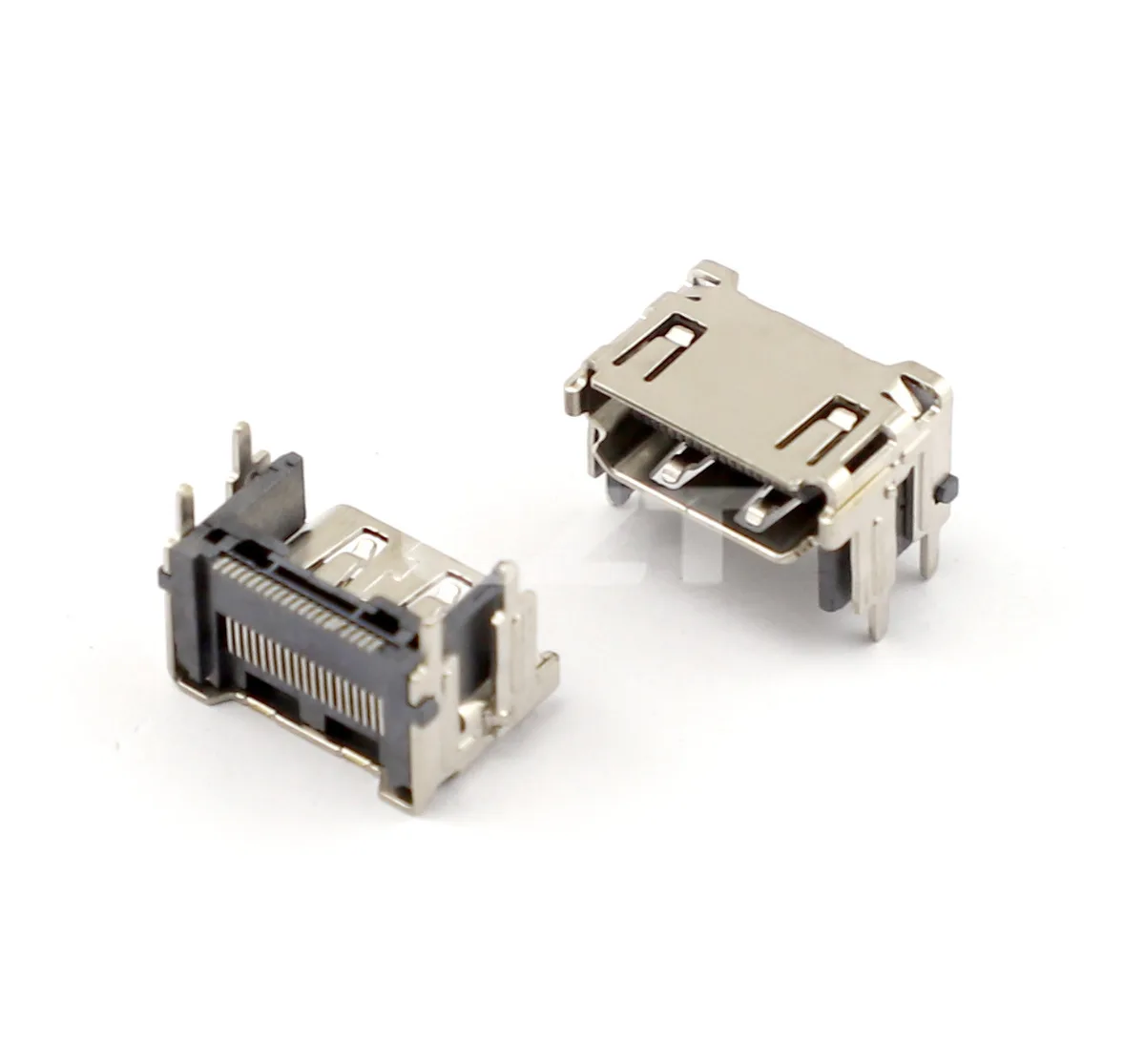
An HDMI receptacle mechanical review should prove that the intended plug can reach full engagement within the equipment's positional tolerances. Matching the visible opening is only the beginning. Board height, receptacle overhang and the cable overmold all affect whether the installed interface works.
Browse the USB and HDMI connector family for catalog references, then work from the selected model's controlled dimensions. A connector identified as HDMI should not inherit another model's board footprint or panel position without comparison.
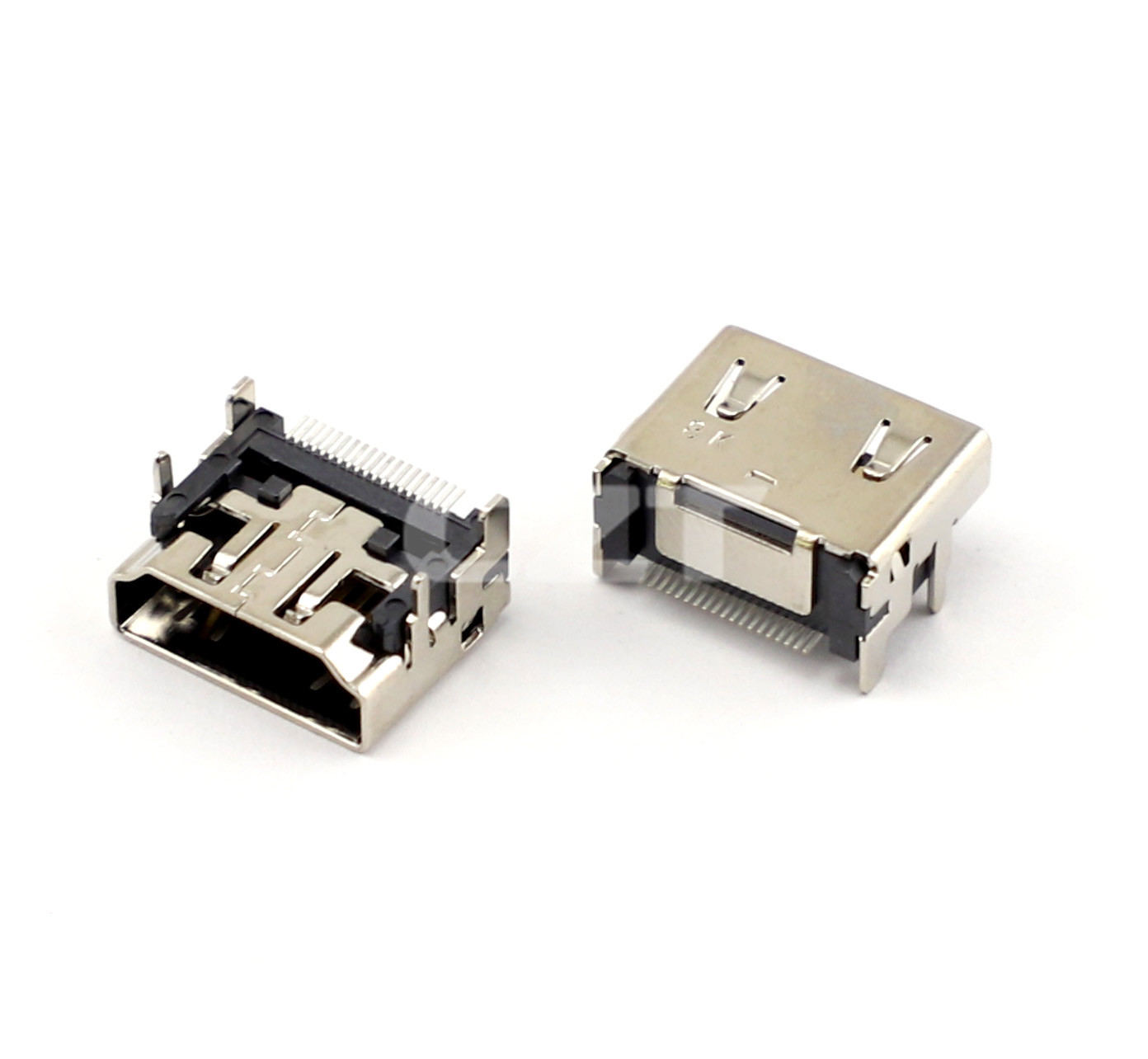
Figure 1. CZT HDMI Type-A receptacle example shows the mating shell and board attachment relevant to front-panel and board-height review. CZT source · Original image.
Establish the panel and board references
Choose the enclosure mounting plane and PCB datum used by the assembly. Locate the receptacle mouth relative to both. Mechanical drawings often describe body dimensions accurately while leaving the product designer to establish the final panel relationship.
Overlay the plug envelope, including the overmold and strain relief. Check approach clearance and room for the cable to turn after insertion. Nearby connectors and enclosure ribs can prevent comfortable use even when the metal mating portions do not collide.
Do the same review for service access if the port will be connected through an opening or recess that the user cannot see directly.
Stack the relevant tolerances
Include board placement, standoff height, enclosure opening position and connector body tolerances. Consider permitted extremes rather than only the nominal assembly.
| Mechanical feature | Review purpose |
|---|---|
| Mouth height above PCB | Aligns the port with the enclosure |
| Forward projection | Establishes plug reach and panel clearance |
| Shell width and height | Defines opening clearance |
| Anchors and locating features | Controls placement and attachment |
| Cable overmold envelope | Confirms practical engagement space |
A hypothetical media controller may have a wide enough opening but place the socket too far behind it. Enlarging the opening sideways will not correct that depth problem. The remedy must address the obstructed insertion path.
Inspect with physical mating parts
Assemble the PCB and enclosure using representative fasteners and supports. Check insertion and removal using the actual intended cable styles. Record whether the plug fully seats and whether the enclosure places sideways pressure on it.
Avoid selecting a convenient thin-overmold laboratory cable as the only test article when the application permits bulkier cables. Define the approved cable envelope or evaluation range in the product requirements.
Measure the installed receptacle position after the soldering process. A loose-part model does not include seating variation introduced during assembly.
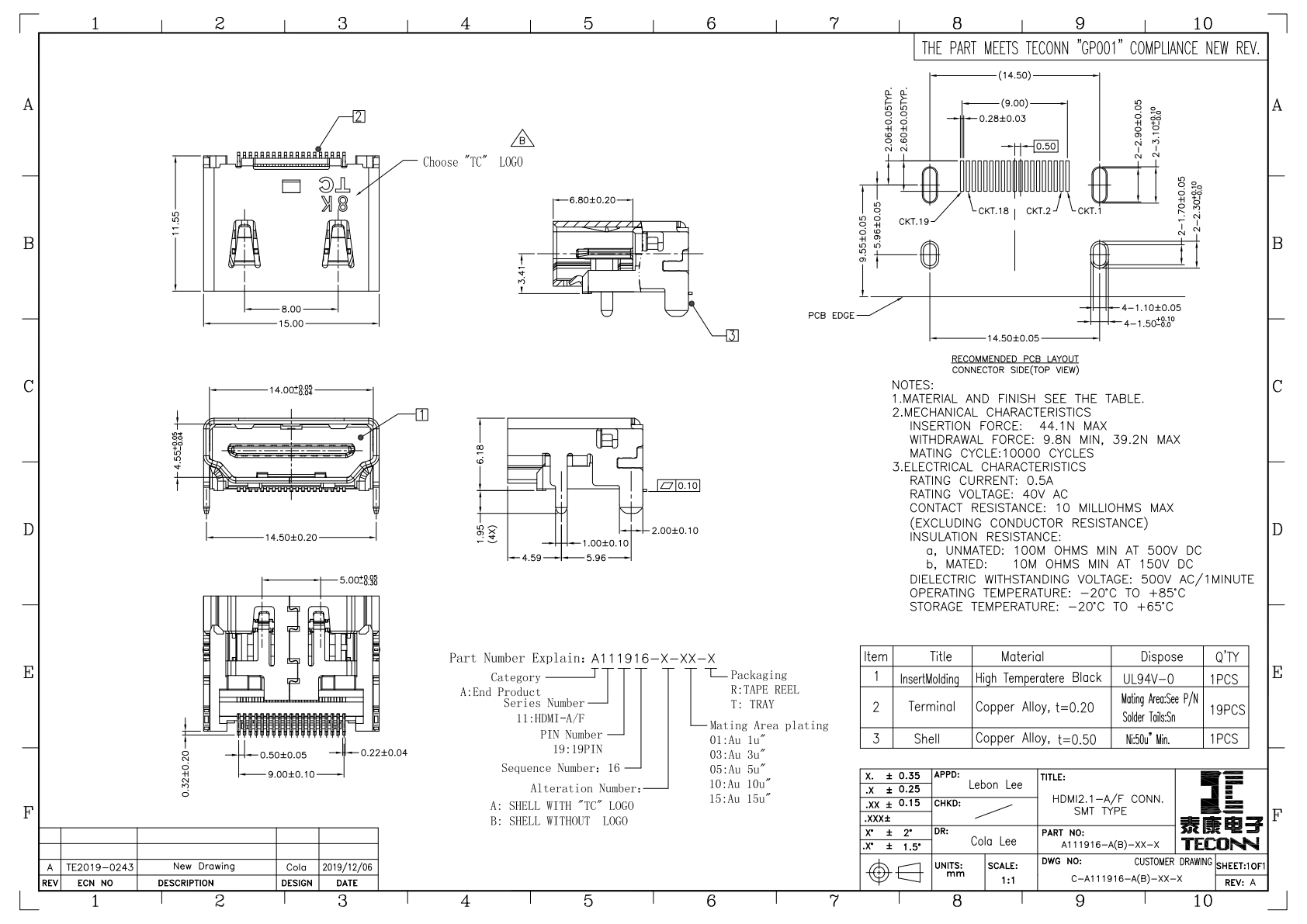
Figure 2. Official HDMI drawing provides the actual views needed to compare panel position, footprint and connector seating before board release. CZT source · Original PDF, page 1.
Separate mechanical approval from signal approval
Successful mating does not establish the required HDMI operating modes. Keep the fit report distinct from the channel validation plan. The mechanical record should specify the connector, board, enclosure and cable identities and identify any untested extremes.
When a second-source receptacle is proposed, compare its mouth location and attachments as well as its mating face. Even if the same cable plugs into both loose parts, the replacement may alter the installed positional stack. That is the information engineering needs before accepting an alternate under an existing product drawing.
Connect this review to CZT product information
Catalog references to discuss are listed below. Use the identifiers to request the current drawing and confirm the configuration required by your application.
| Catalog reference | Product information | Drawing record | Reference inquiry |
|---|---|---|---|
| A111916 | HDMI Type-A receptacle, A111916 | Listed PDF | Ask about this reference |
| A111918 | HDMI Type-A receptacle, A111918 | Listed PDF | Ask about this reference |
A catalog drawing reference is a starting document, not a substitute for reviewing its revision, options and suitability for the complete assembly.
Browse the relevant product family · View catalog resources
Discuss a drawing, sample or quotation
Share the part or family reference, current drawing revision, operating conditions and quantities. Include the specific checks described in this article so the inquiry identifies both the component and the evidence needed for your decision. Confirm sample availability and the proposed scope with the supplier.
Request a technical review or quotation
For broader context, read the related selection guide.