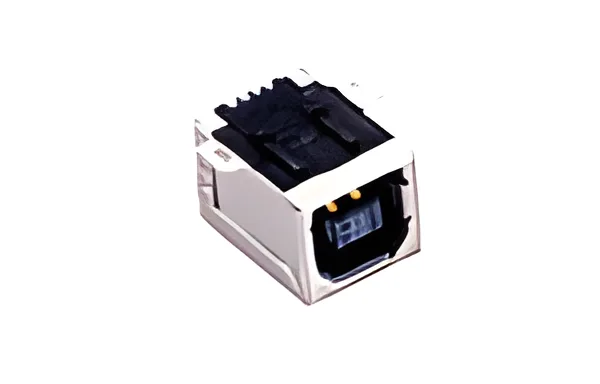
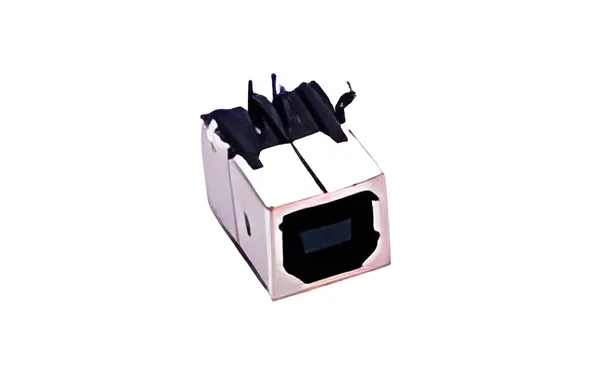
Intermittent USB-B disconnection should be investigated by separating cable, receptacle, board joint and system variables. Moving the cable until communication resumes can help locate a symptom, but it does not establish which component failed. Preserve the original assembly long enough to collect repeatable evidence.
Use the actual Type-B interface and connector drawing when reviewing candidates in the USB and HDMI family. Standard-B and smaller B variants require separate identification. A replacement with a similar title should not be installed as a diagnostic shortcut before its geometry is checked.
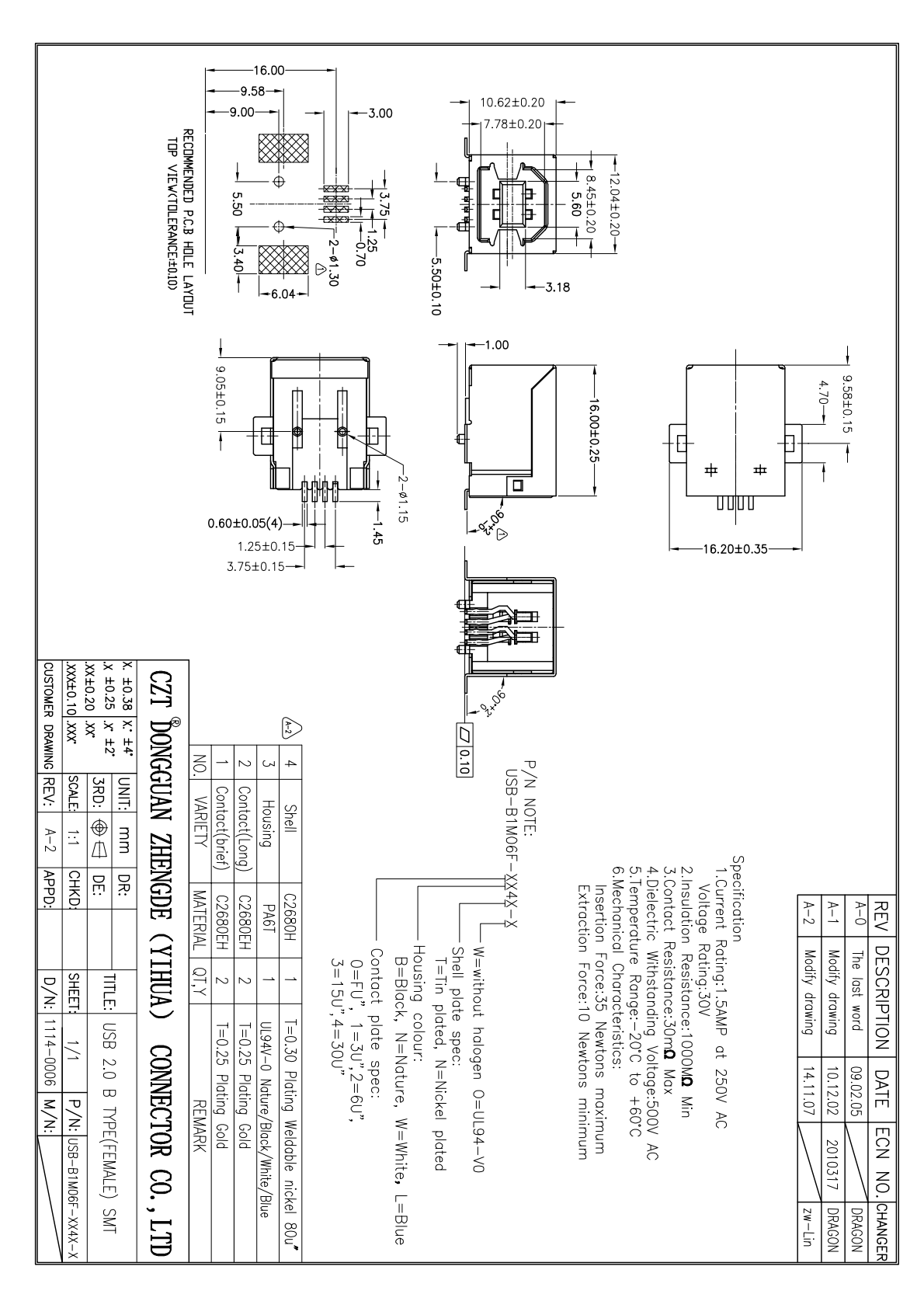
Figure 1. Official CZT Type-B SMT drawing shows contact and mounting geometry to identify when separating connector, board-joint and cable-load causes. CZT source · Original PDF, page 1.
Correlate the event with a repeatable action
Record what the host and device report when the interruption occurs. Note whether power is lost, enumeration restarts or only the application data stream stops. Those observations define different investigation paths.
Describe the cable movement using a location, direction and fixture or other reproducible method. Keep the device position and cable routing fixed while changing one condition. An operator's general description that the port is loose leaves too many variables unresolved.
Photograph the cable engagement and board support before opening the equipment. Disassembly can change the stress state that produced the symptom.
Substitute one variable at a time
Use an identified comparison cable first if the investigation allows it. Preserve the suspect cable with its label. Next compare the relevant board or connector assembly under the same conditions, documenting each change.
| Observation | Next useful check |
|---|---|
| Symptom follows one cable | Inspect and evaluate that cable separately |
| Symptom follows one board | Examine receptacle joints and board paths |
| Symptom occurs only in the enclosure | Review alignment and installed cable loading |
| Communication fails without electrical interruption | Investigate the wider signal and system path |
These are investigation directions, not automatic diagnoses. More than one fault may be present, and a changed cable can also alter the load applied to the port.
Inspect the shell attachments and local board
Check for cracks, lifted lands, shell movement and interference with the panel opening. Compare the failed assembly with an untouched sample of the same revision. Record magnification and orientation for photographs so later inspection is comparable.
A hypothetical instrument may disconnect when the cable pushes against its enclosure opening. If loosening the cover removes the symptom, investigate the positional stack before accepting a new receptacle as the cure. The enclosure may be forcing an otherwise correctly placed port sideways.
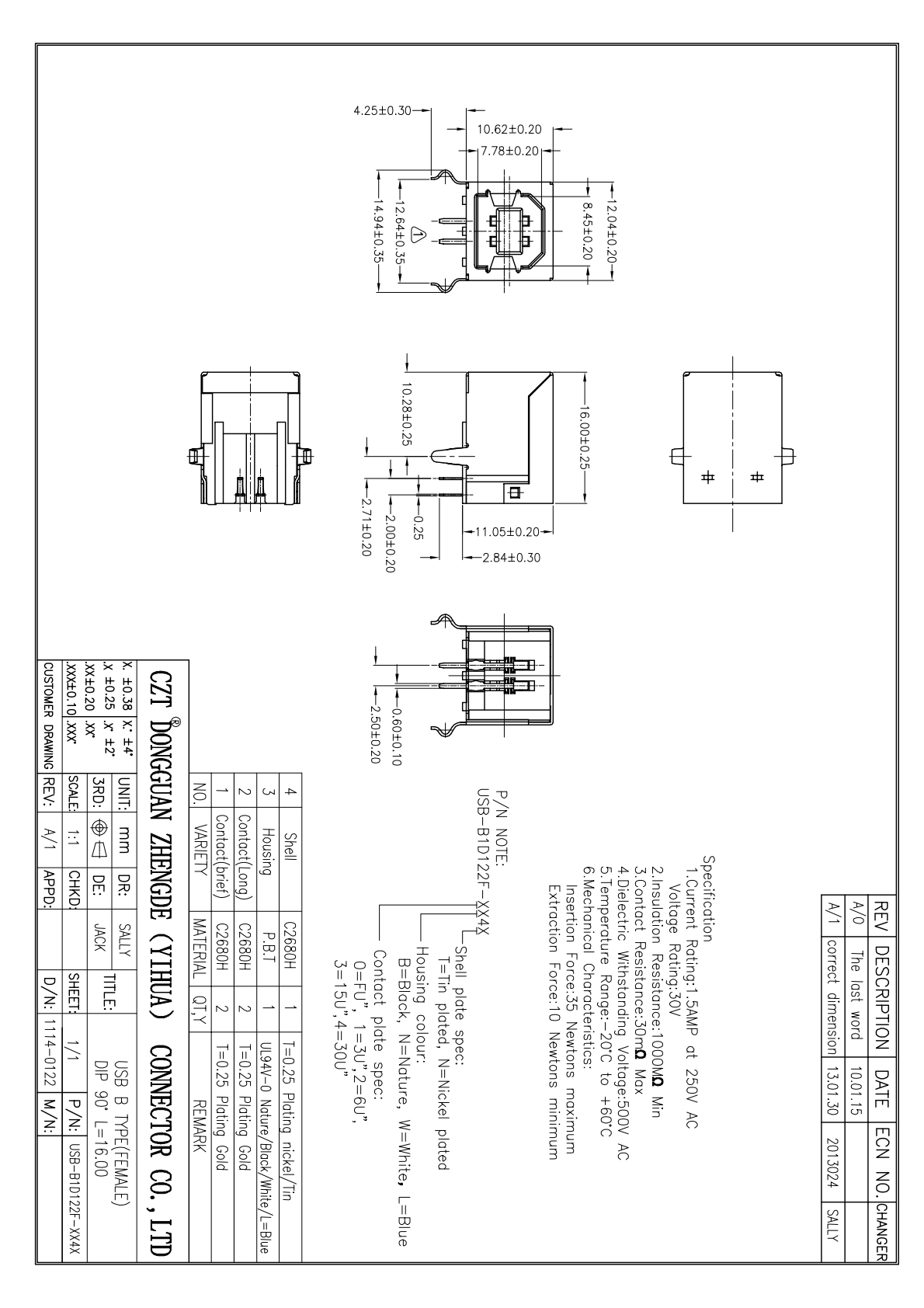
Figure 2. Official Type-B drawing helps identify the actual mounting and terminal arrangement before comparing specimens or inspecting board joints. CZT source · Original PDF, page 1.
Verify the correction under the original condition
After identifying and changing the suspected cause, repeat the original reproduction steps. Check communication, relevant electrical paths and mechanical condition. Also verify ordinary connection and disconnection behavior so the correction has not introduced a new problem.
Keep the original and corrected configurations in the report. A stable bench connection after several simultaneous changes is weaker evidence than a controlled comparison that identifies which change removed the fault. That distinction helps purchasing avoid unnecessary connector substitutions and gives production a concrete corrective action.
Connect this review to CZT product information
Catalog references to discuss are listed below. Use the identifiers to request the current drawing and confirm the configuration required by your application.
| Catalog reference | Product information | Drawing record | Reference inquiry |
|---|---|---|---|
| 10308304xxxx | USB 2.0 Type-B female SMT connector, 10308304xxxx | Listed PDF | Ask about this reference |
| 10308204xxxx | USB Type-B female DIP right-angle connector, 10308204xxxx | Listed PDF | Ask about this reference |
A catalog drawing reference is a starting document, not a substitute for reviewing its revision, options and suitability for the complete assembly.
Browse the relevant product family · View catalog resources
Discuss a drawing, sample or quotation
Share the part or family reference, current drawing revision, operating conditions and quantities. Include the specific checks described in this article so the inquiry identifies both the component and the evidence needed for your decision. Confirm sample availability and the proposed scope with the supplier.
Request a technical review or quotation
For broader context, read the related selection guide.